Setting up Your Fiber Inspection Probe and ConnectorMax2 Mobile
54 FIP-400B
Stopping the Analysis Process on First Fail
Stopping the Analysis Process on First Fail
When inspecting multifiber connectors with an MF-Ready probe, you can
choose to stop the analysis process as soon as the application detects a fail
status on a fiber. This feature is particularly useful when you need to test
many fibers in the connector because you do not have to wait for the
analysis process to complete and you can clean the connector end right
away.
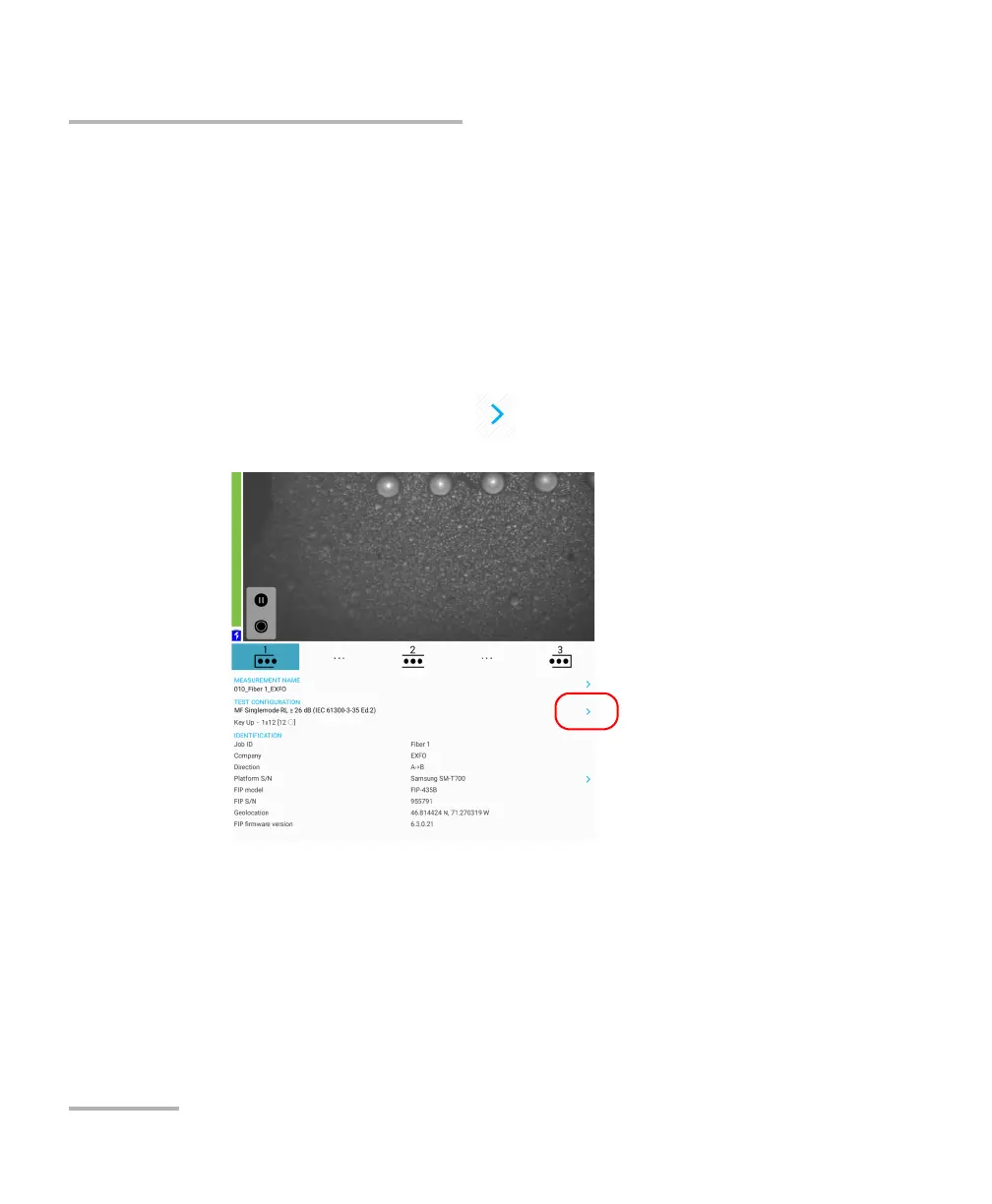
To stop the analysis process on the first fail:
1. From the main window, tap at the end of the Test Configuration
row.



 To Next Page