Troubleshooting
130 FIP-400B
Viewing Information About ConnectorMax2 Mobile
Viewing Information About ConnectorMax2
Mobile
You can view information about ConnectorMax2 Mobile such as the
version number and different policies on your smart device.
To view ConnectorMax2 Mobile information:
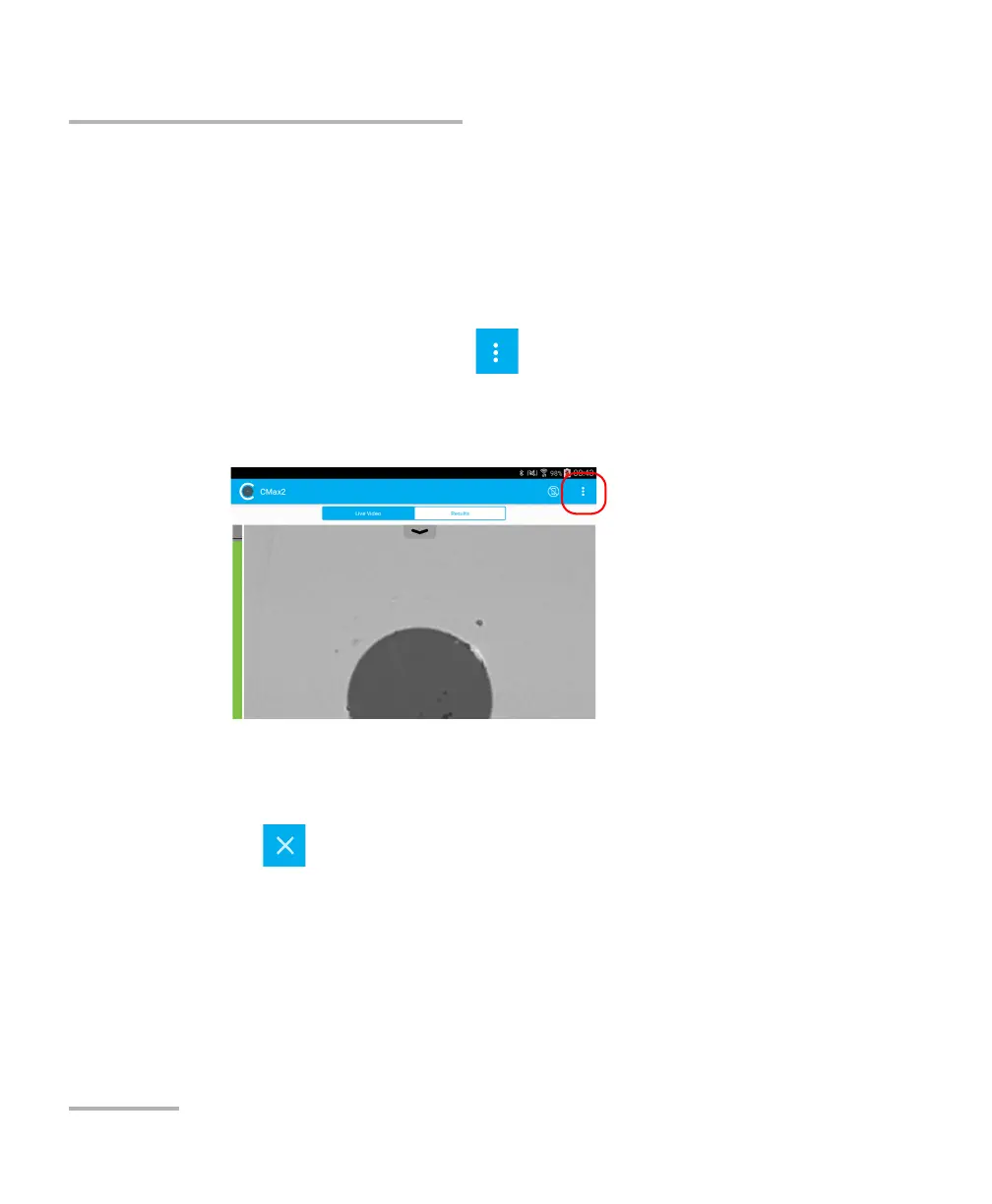
1. From the main window, tap .
Note: Depending on the smart device you are using, the about button can be
found in the menu button instead.
2. Select About.
3. Under Version Information and General Information, select the
information you want to view.
4. Tap to exit the About window.



 To Next Page