Setting up Your Fiber Inspection Probe and ConnectorMax2 Mobile
34 FIP-400B
Adjusting Brightness
Adjusting Brightness
Note: When testing multifiber connectors, the brightness is adjusted
automatically.
Once the probe is connected to a fiber, you can adjust brightness in order
to better view the fiber under inspection.
Note: The brightness level is persisted according to the serial number of the
probe.
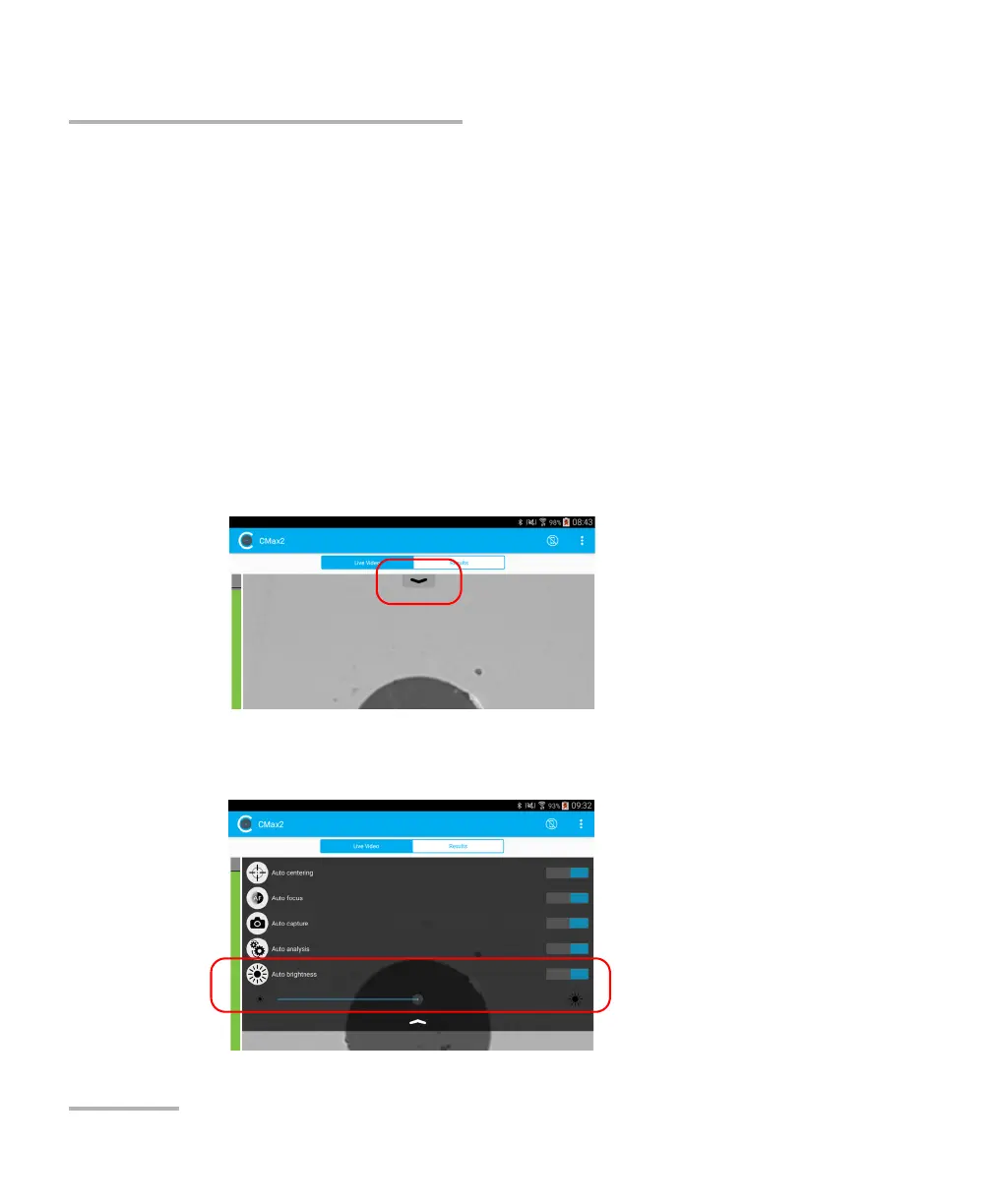
To adjust brightness:
1. In live video mode, tap the arrow.
2. Deactivate the Auto brightness feature
and use the brightness slider
to set the levels to suit your needs.



 To Next Page