Setting up Your Fiber Inspection Probe and ConnectorMax2 Mobile
44 FIP-400B
Managing and Selecting Test Configurations
Managing and Selecting Test Configurations
You can select specific test configurations according to the type of fiber you
are analyzing, the connector type you are using or the type of anomaly you
are looking for.
You can import test configurations from a third-party application.
Note: Only the test configurations that are imported can be deleted.
You can manage how the list of available test configurations looks when
you access the edition mode.
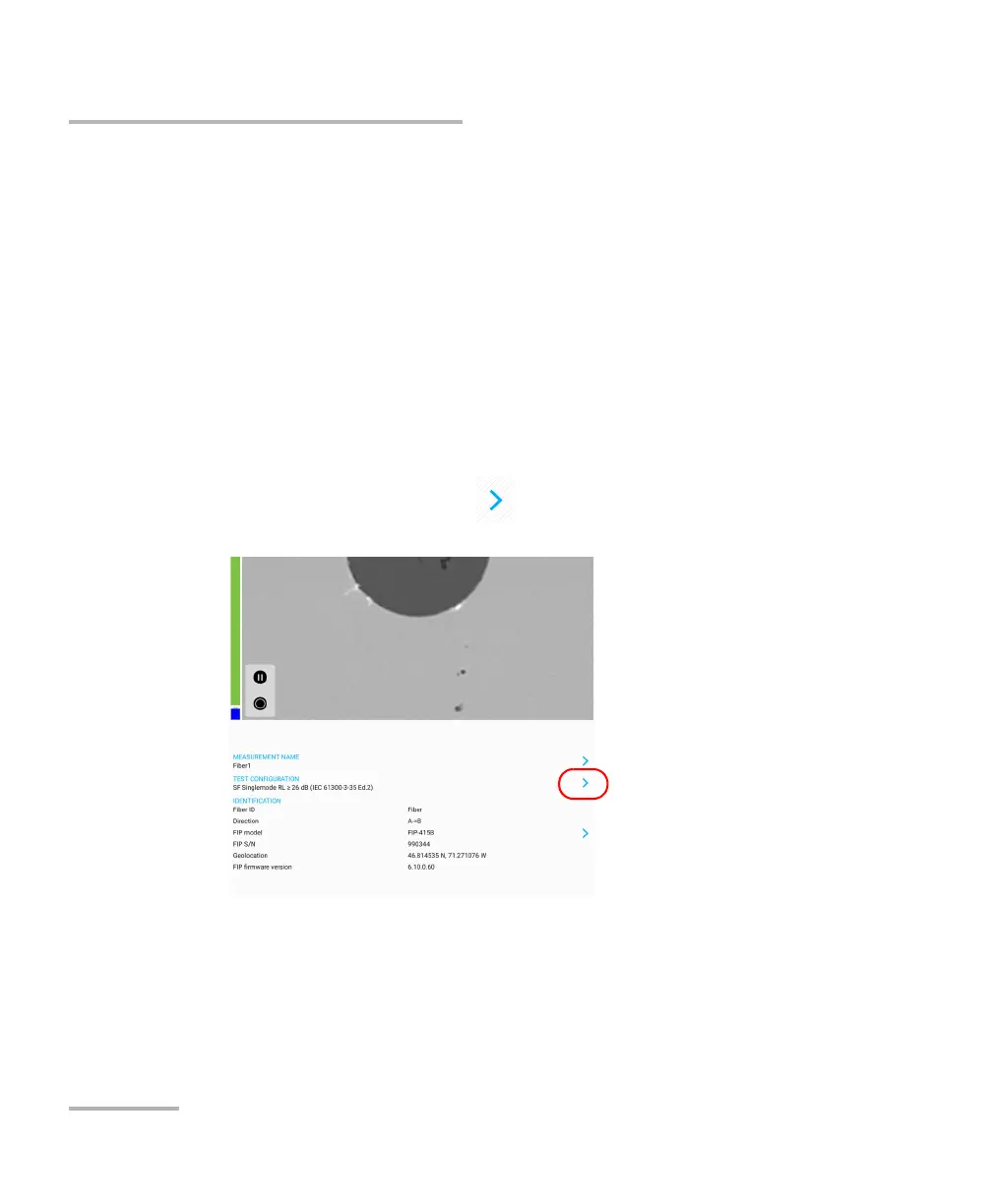
To select a test configuration:
1. From the main window, tap at the end of the Test Configuration
row.



 To Next Page