Inspecting Fiber Ends
80 FIP-400B
Managing Files
Managing Files
You can open captured files directly from the smart device to view them.
All saved measurements are available in Archive mode. The application
scans the smart device periodically and store the .cmax2 files here:
Storage/Emulated/0/Documents/EXFO/cmax2. For smart devices
supporting Android 4.4 (KitKat) and above, the files are sent to the
following folder: /Android/data/com.exfo.cmax2.mobile.android/files/.
You can also delete unwanted files.
To share files, see Transferring Results With Third-Party Applications on
page 93 for details.
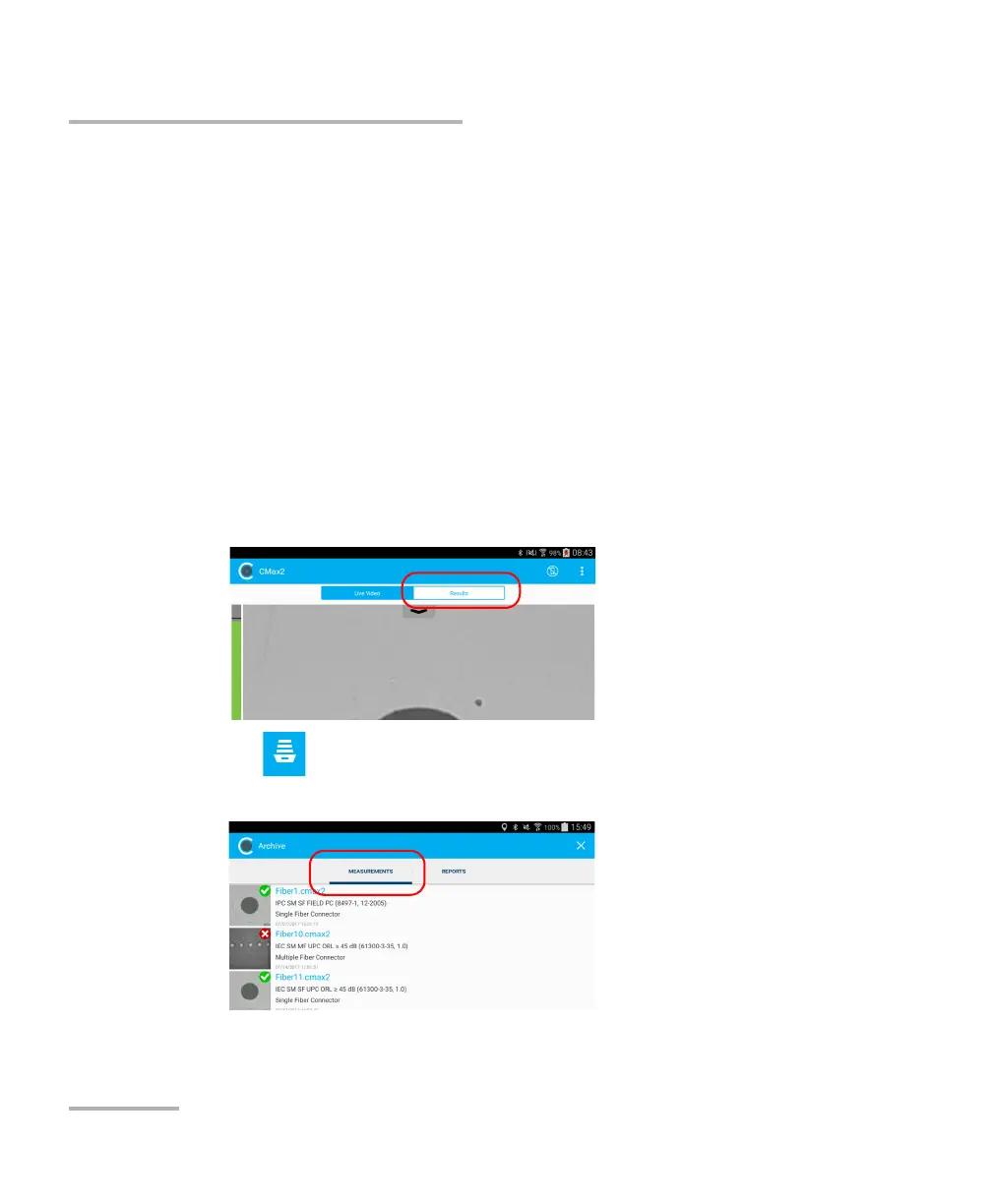
To open a fi le:
1. From the main window, select the Results tab.
2. Tap .
3. In the Archive window, select Measurements.
4. Tap the selected file to open it.



 To Next Page