Inspecting Fiber Ends
Fiber Inspection Probe 81
Managing Files
To delete a file:
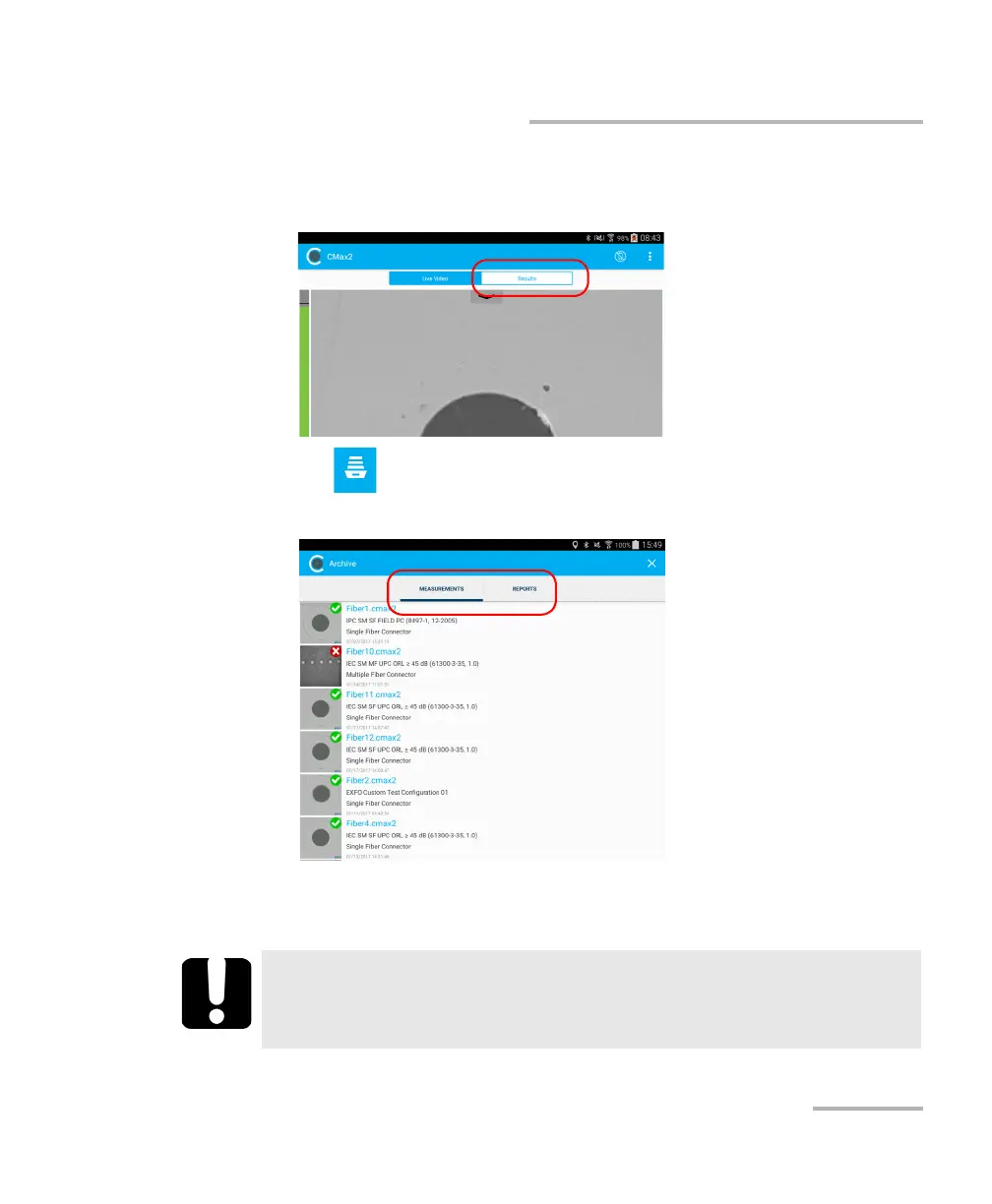
1. From the main window, select the Results tab.
2. Tap .
3. In the Archive window, tap Measurements or Reports.
4. To enter the edition mode, press and hold any file in the Archive
window.
IMPORTANT
If you select files for deletion and you change your mind, ensure
that the files you want to keep are unselected.



 To Next Page