Setting up Your Fiber Inspection Probe and ConnectorMax2 Mobile
Fiber Inspection Probe 35
Setting up Identification
Setting up Identification
In order to have information on the tests to be performed, it is possible to
customize some fields such as the cable ID, the fiber ID, the location (A
and/or B), the connector ID, or the frame.
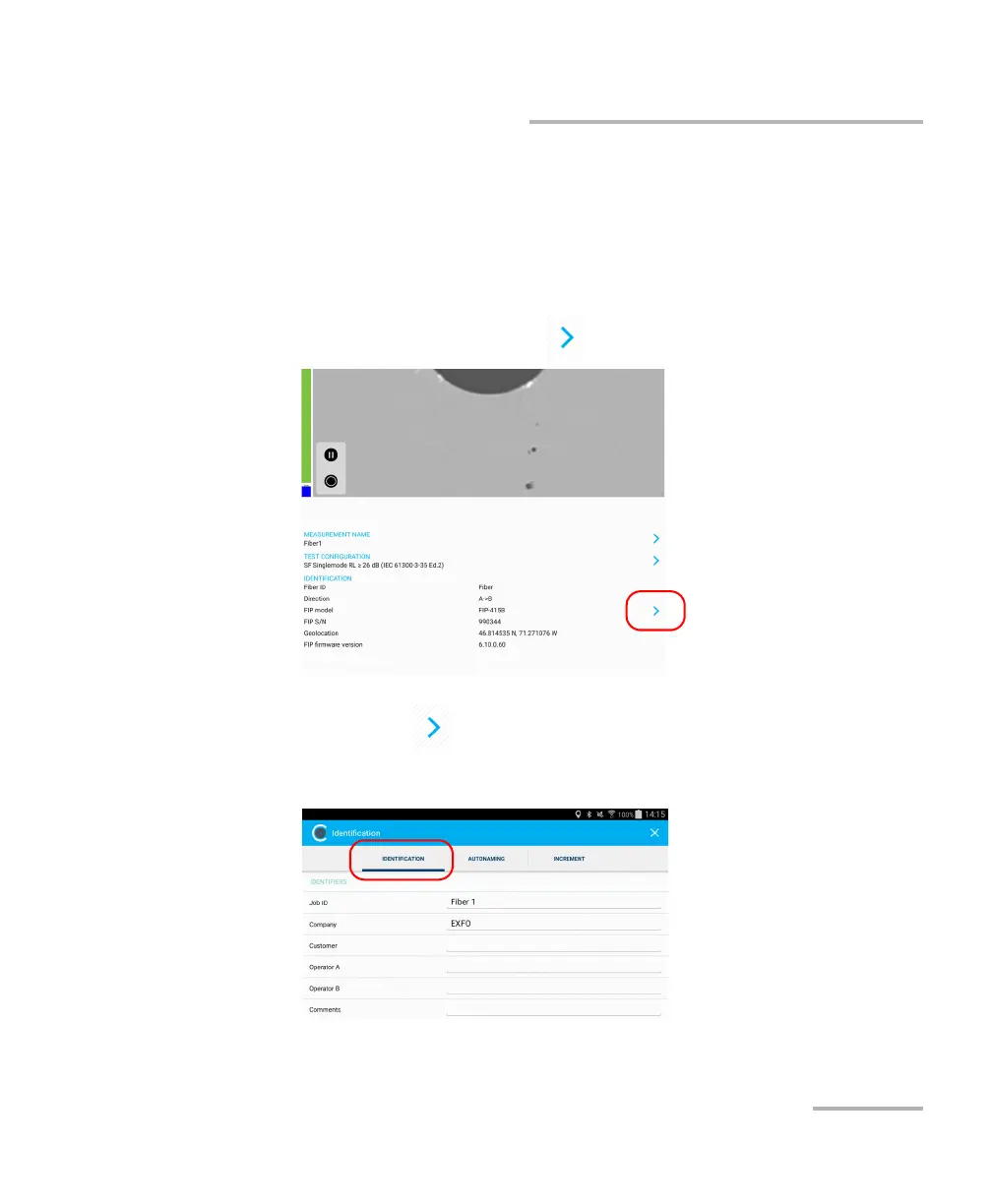
To configure the identification:
1. From the main window, tap to access the Identification window.
Note: You can al s o tap at the end of the Measurement Name row.
2. If necessary, select the Identification tab.



 To Next Page