Working with a Multifiber Source
Fiber Inspection Probe 103
Setting up the Multifiber Source
Setting up the Multifiber Source
The MFS allows you to test continuity and polarity (based on A, B, or C
polarity types) on multifiber links terminated with MPO connectors. Its
design includes a cable management system that allows you to use a
patchcord as a connector saver for the MPO connector on the MFS.
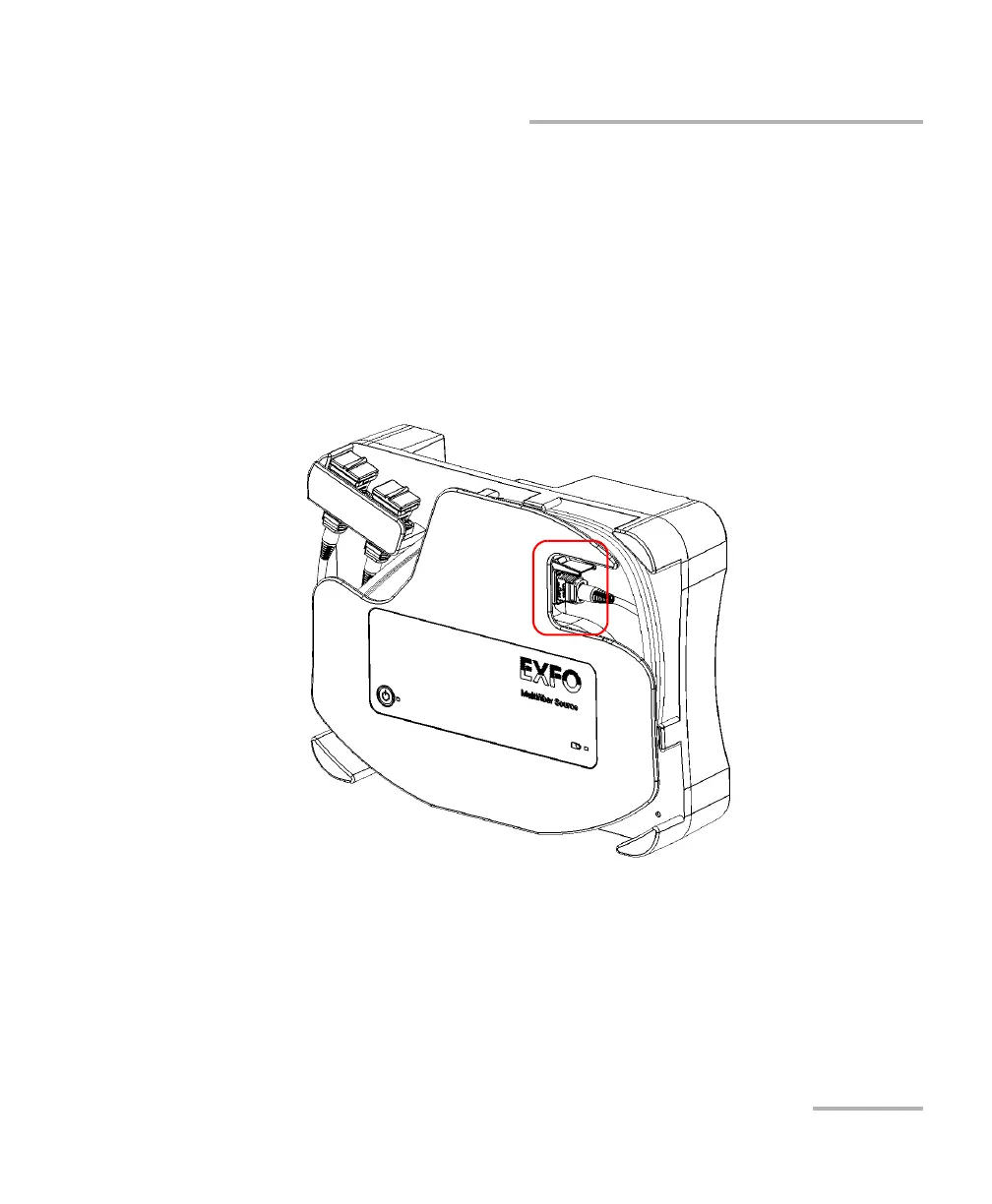
To set up the MFS:
1. Connect the MFS-12 or MFS-24 APC connector of the patchcord to the
adapter.



 To Next Page