Setting up Your Fiber Inspection Probe and ConnectorMax2 Mobile
Fiber Inspection Probe 45
Managing and Selecting Test Configurations
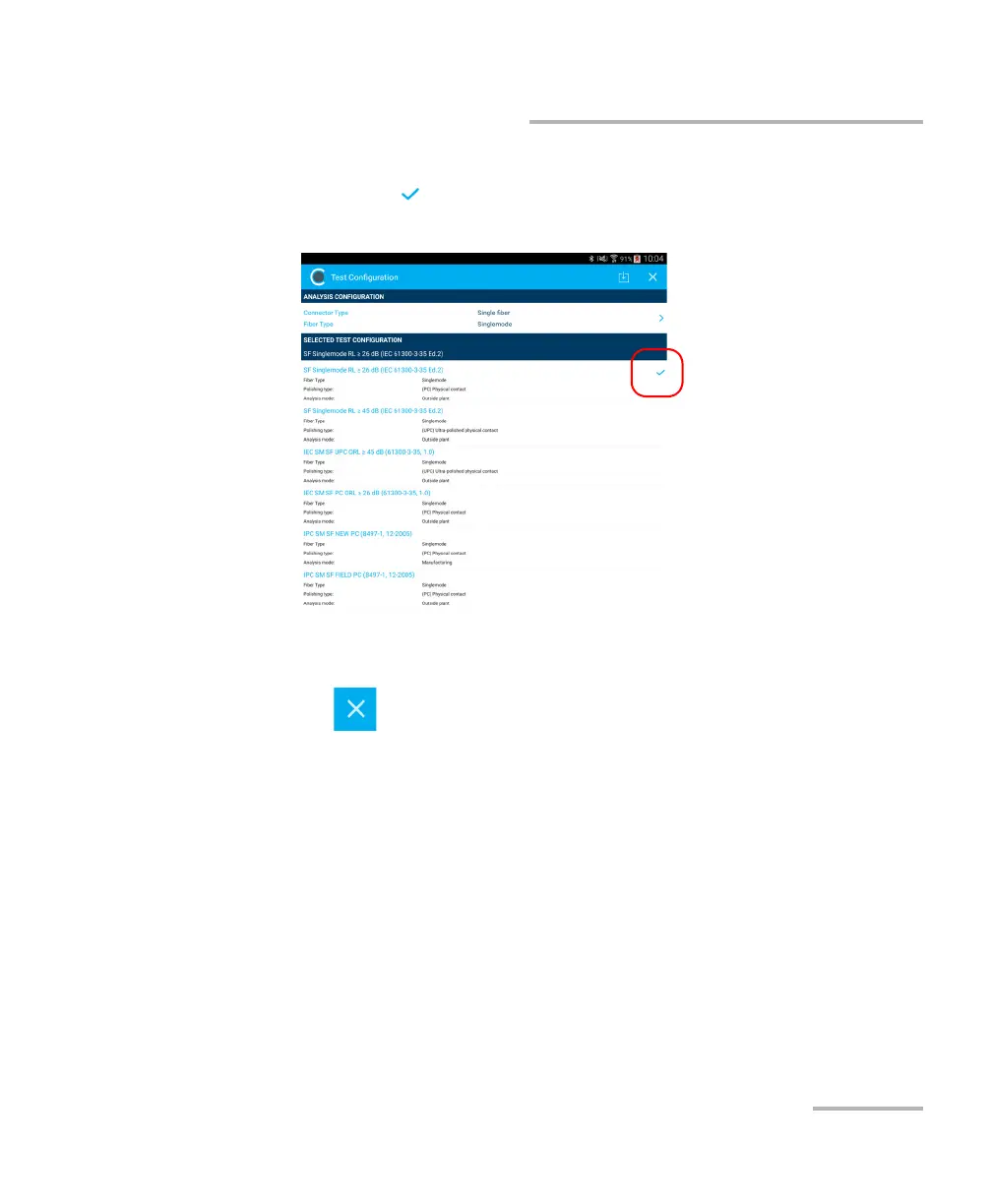
2. Select the test configuration you want to use in the list of available
choices. A at the end of the row indicates the configuration is
selected.
Note: You cannot select the current test configuration.
3. Tap to return to the main window.
Note: The test configuration list is updated according to the connector type and
fiber type you have selected.



 To Next Page