Setting up Your Fiber Inspection Probe and ConnectorMax2 Mobile
Fiber Inspection Probe 55
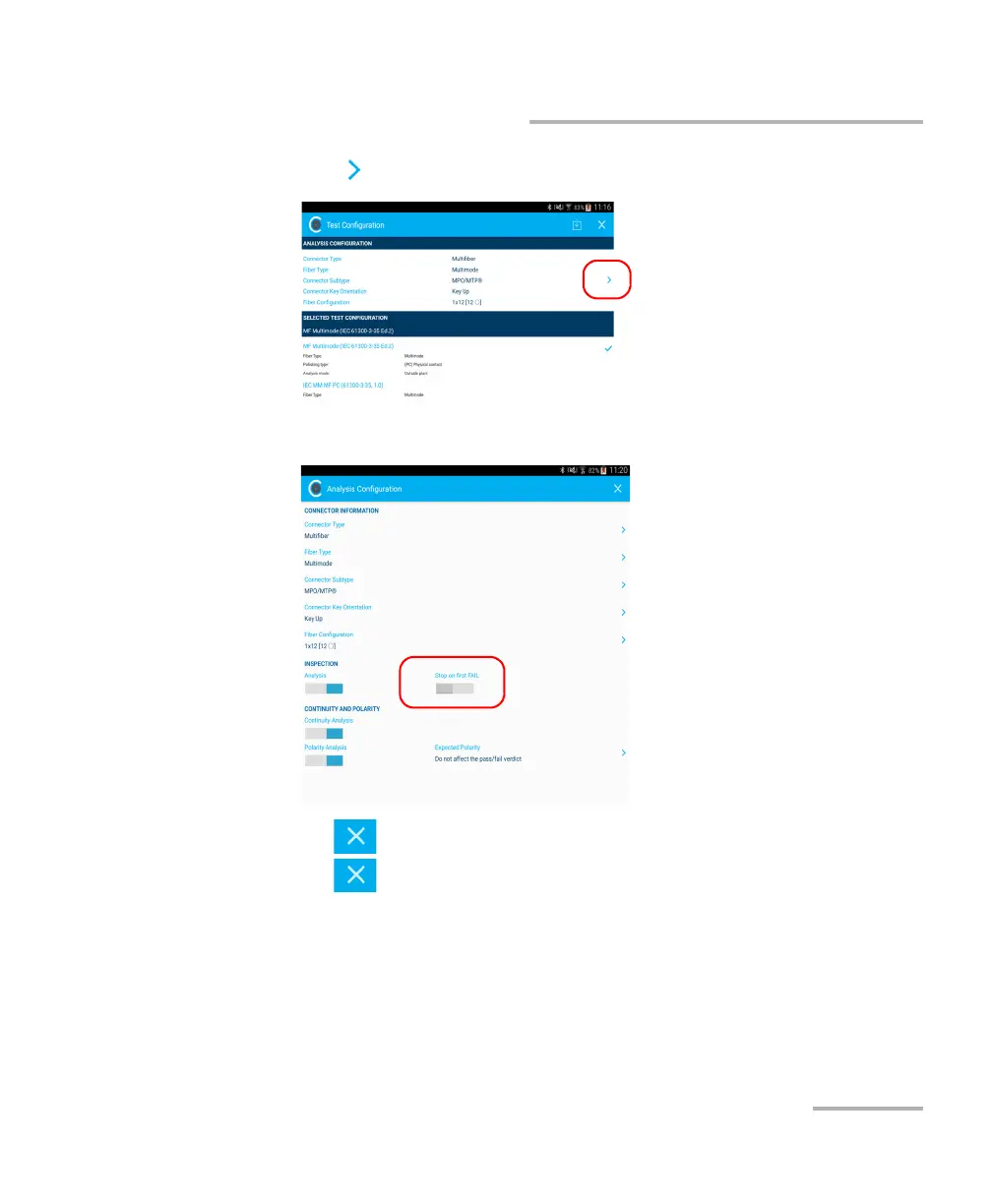
Stopping the Analysis Process on First Fail
2. Tap to access the Analysis Configuration window.
3. Under Inspection, activate the Stop on first FAIL option.
4. Tap to exit the Analysis Configuration window.
5. Tap to return to the main window.



 To Next Page