Working with a Multifiber Source
Fiber Inspection Probe 105
Setting up the Multifiber Source
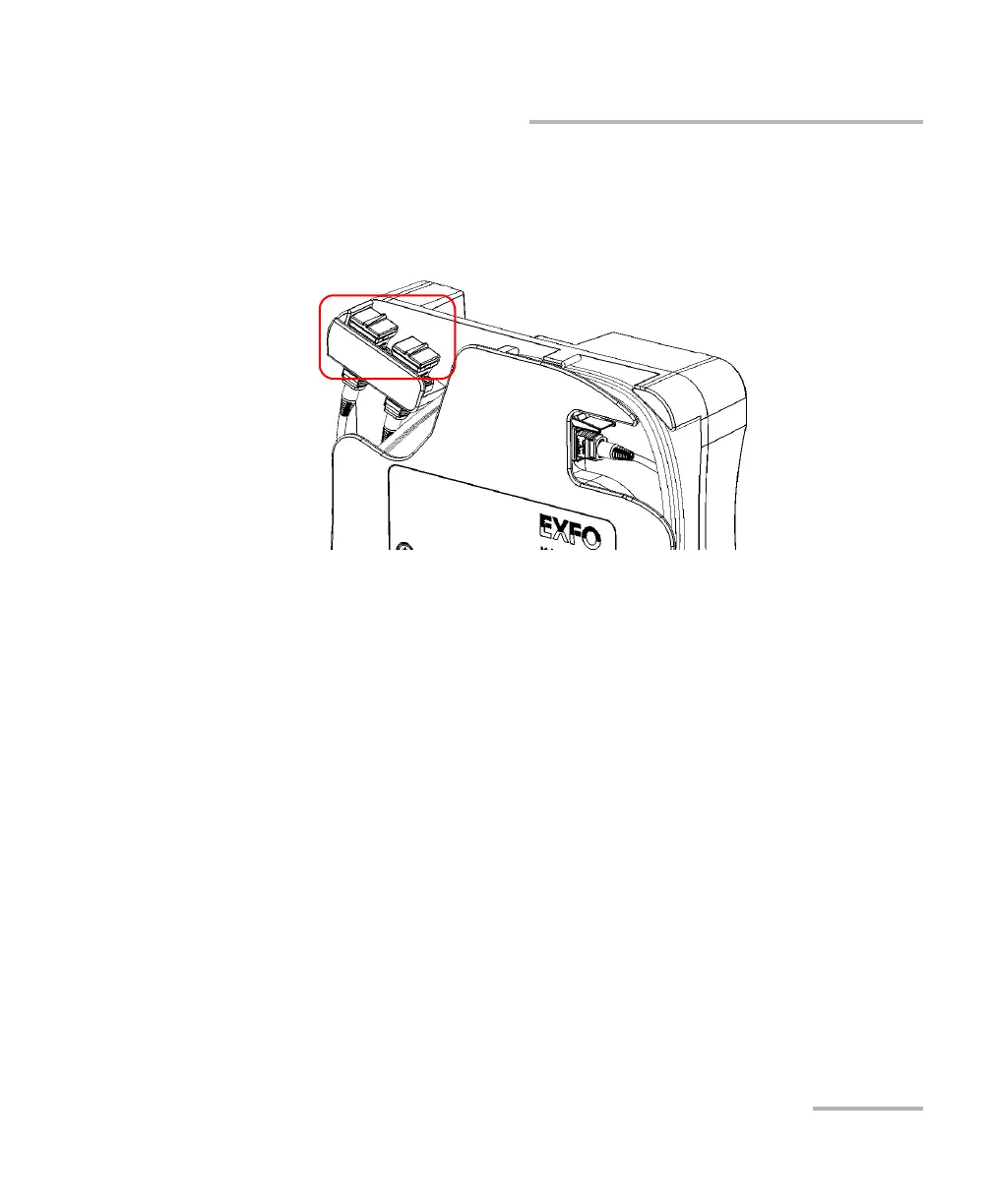
4. Open the dust cap and connect the DUT to the appropriate adapter
according to the connections you made at step 3. If you have
connected an MPO-24 split patchcord, you will have to connect the
DUT, in turn, to each of the two adapters.
5. Connect the other end of the DUT to the removable nozzle of the
probe. See Changing the FIP Nozzle (MF-Ready Probes Only) on
page 28 for details.



 To Next Page