Setting up Your Fiber Inspection Probe and ConnectorMax2 Mobile
26 FIP-400B
Connecting or Disconnecting the Wireless Probe
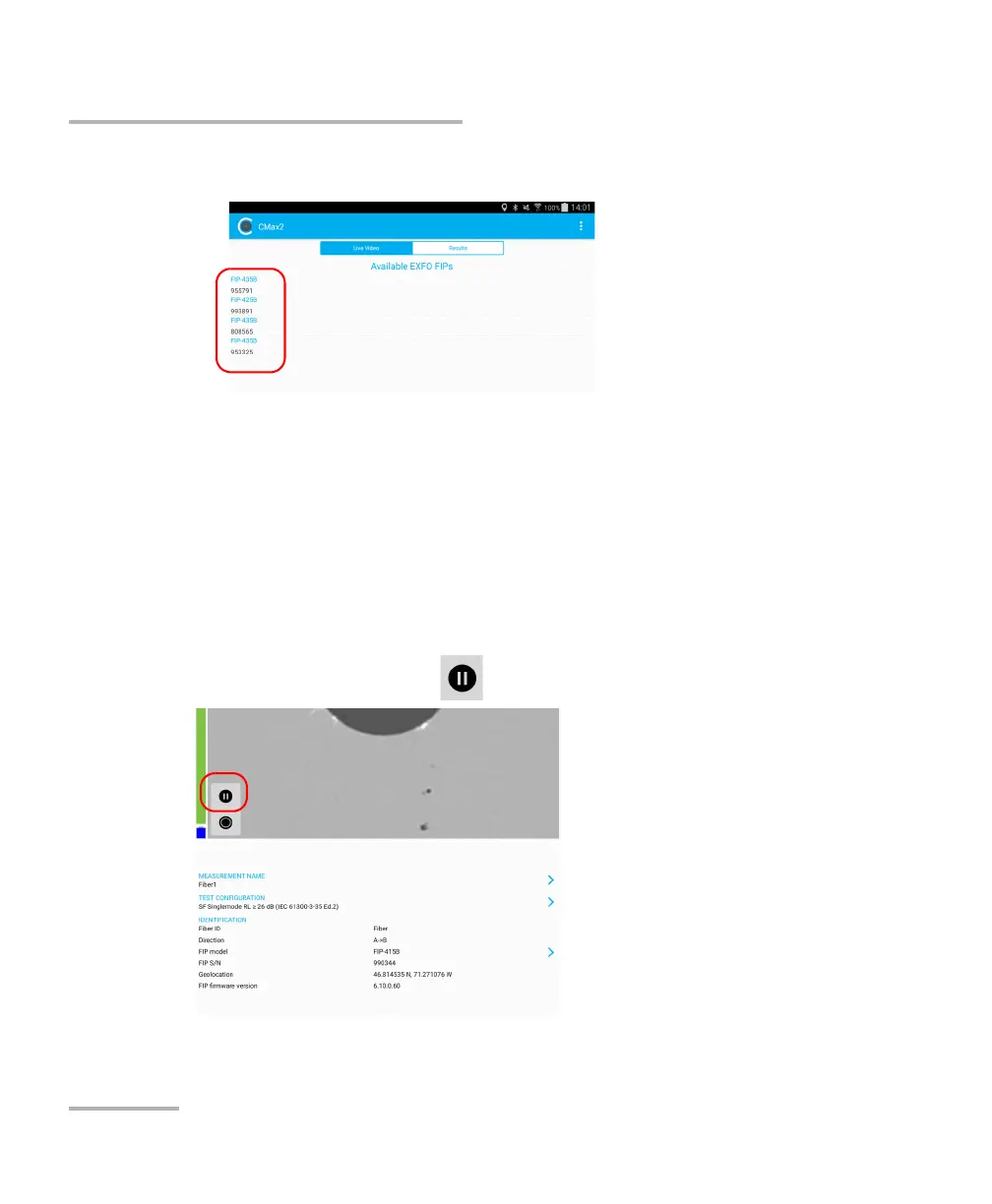
5. Select the wireless probe you want to work with.
Note: When a wireless probe is selected, the 3G, 4G and LTE data
communications are disabled automatically.
Note: The probes are identified by their serial numbers and type.
Note: The probe can be selected from the Wi-Fi configuration on the smart
device.
To disconnect the wireless probe:
From the main window, tap .



 To Next Page