Setting up Your Fiber Inspection Probe and ConnectorMax2 Mobile
Fiber Inspection Probe 51
Managing and Selecting Test Configurations
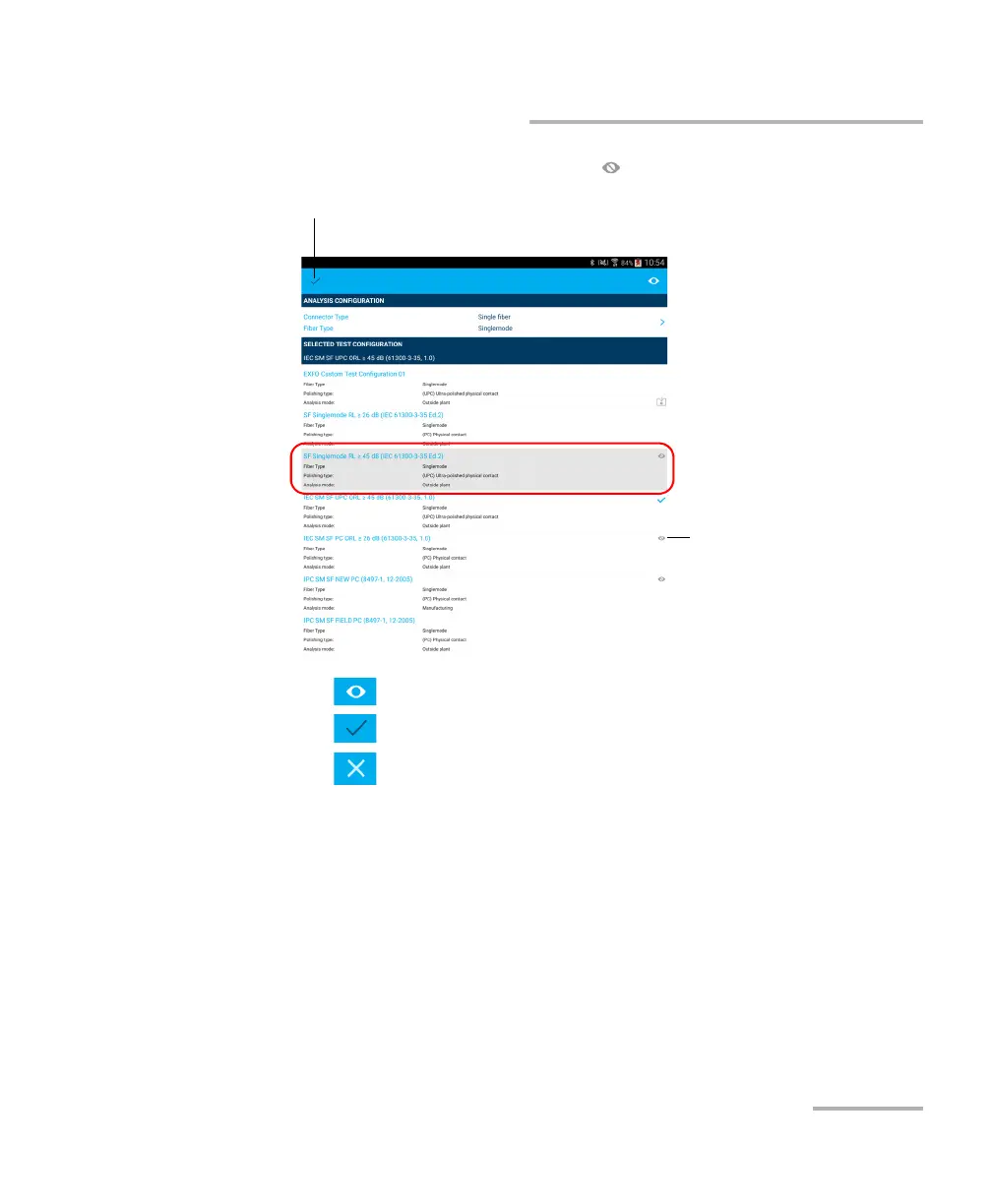
3. Select a test configuration with a icon.
4. Tap to remove the test configuration from the hidden list.
5. Tap to exit the edition mode.
6. Tap to return to the main window.
Indicates the test
configuration has been
hidden.
Indicates you are working in edition mode.



 To Next Page