Setting up Your Fiber Inspection Probe and ConnectorMax2 Mobile
Fiber Inspection Probe 57
Restoring to Default Settings
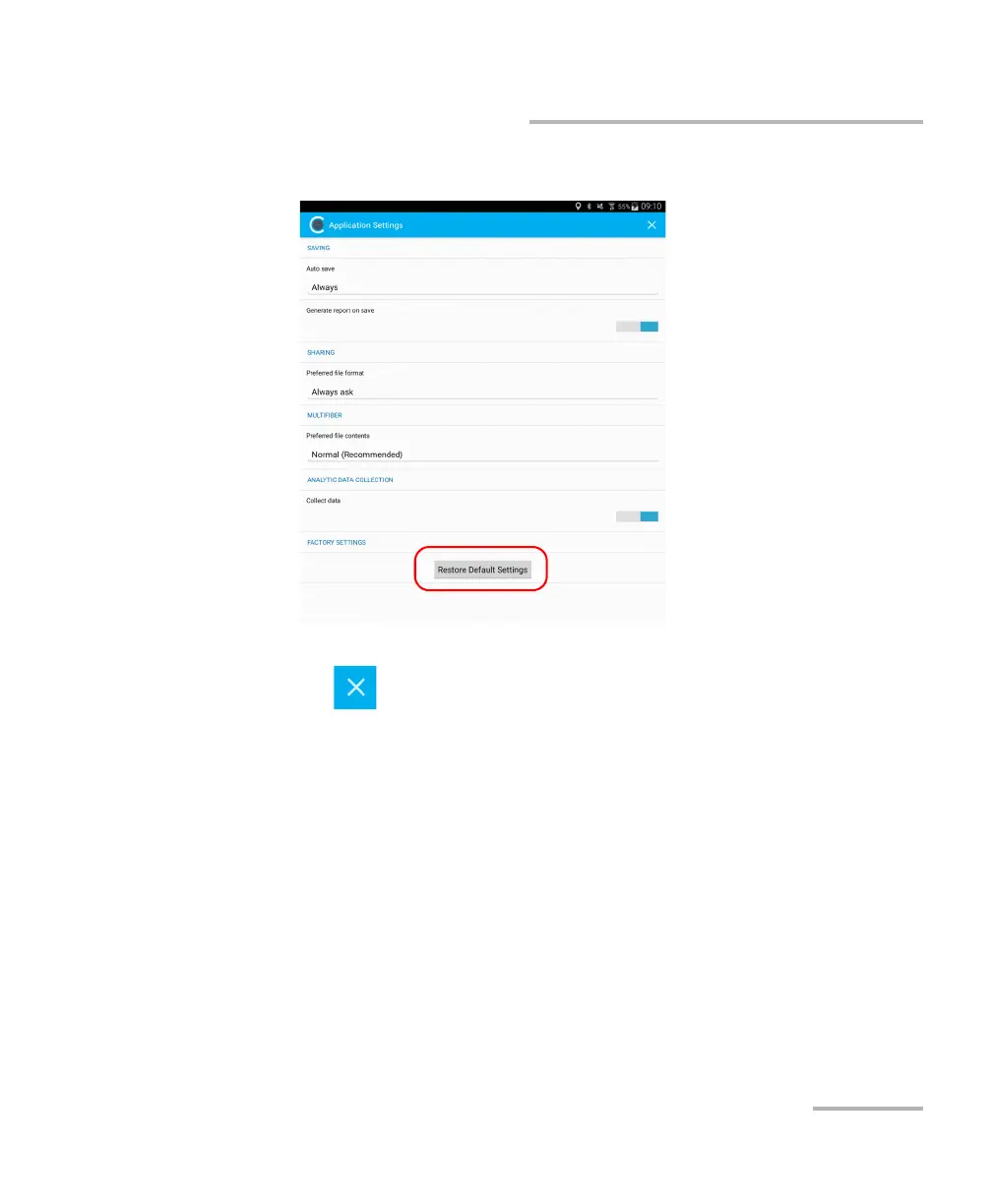
3. Tap the Restore Default Settings button.
4. When the application prompts you, tap Yes or No.
5. Tap to return to the main window.



 To Next Page