Inspecting Fiber Ends
72 FIP-400B
Inspecting Multiple Fiber Ends (MF-Ready Probes Only)
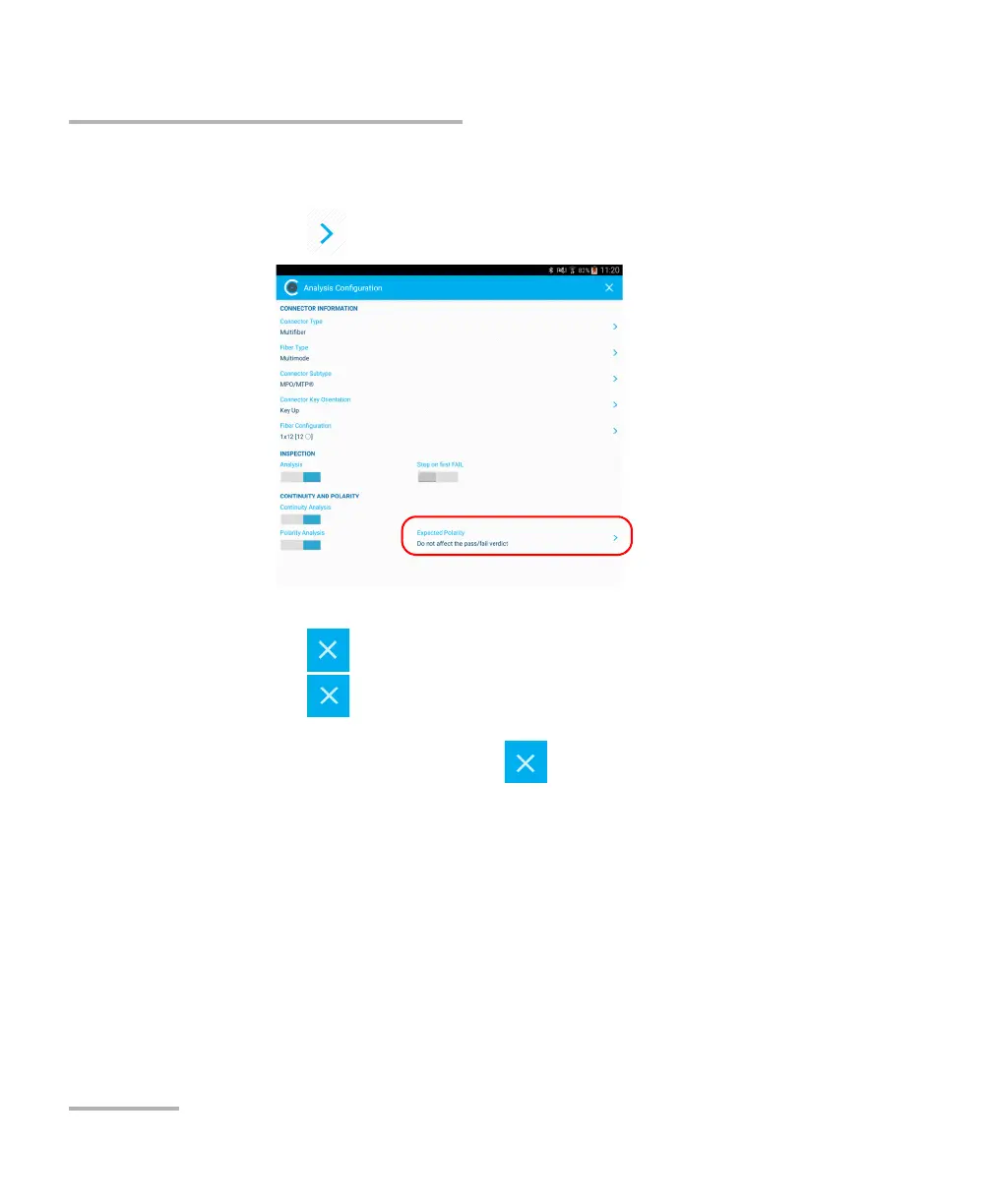
14. To define how the polarity result should affect the global status,
proceed as follows:
14a.Tap next to Expected Polarity.
14b.Select the expected polarity in the list, according to your needs.
14c. Tap to return to the Analysis Configuration window.
14d.Tap to exit the Analysis Configuration window.
15. In the Test Configuration window, tap the configuration you want to
use for your inspection and tap to return in live video mode.
Note: The test configuration list is updated according to the connector type and
fiber type you have selected.



 To Next Page