Inspecting Fiber Ends
78 FIP-400B
Saving Files
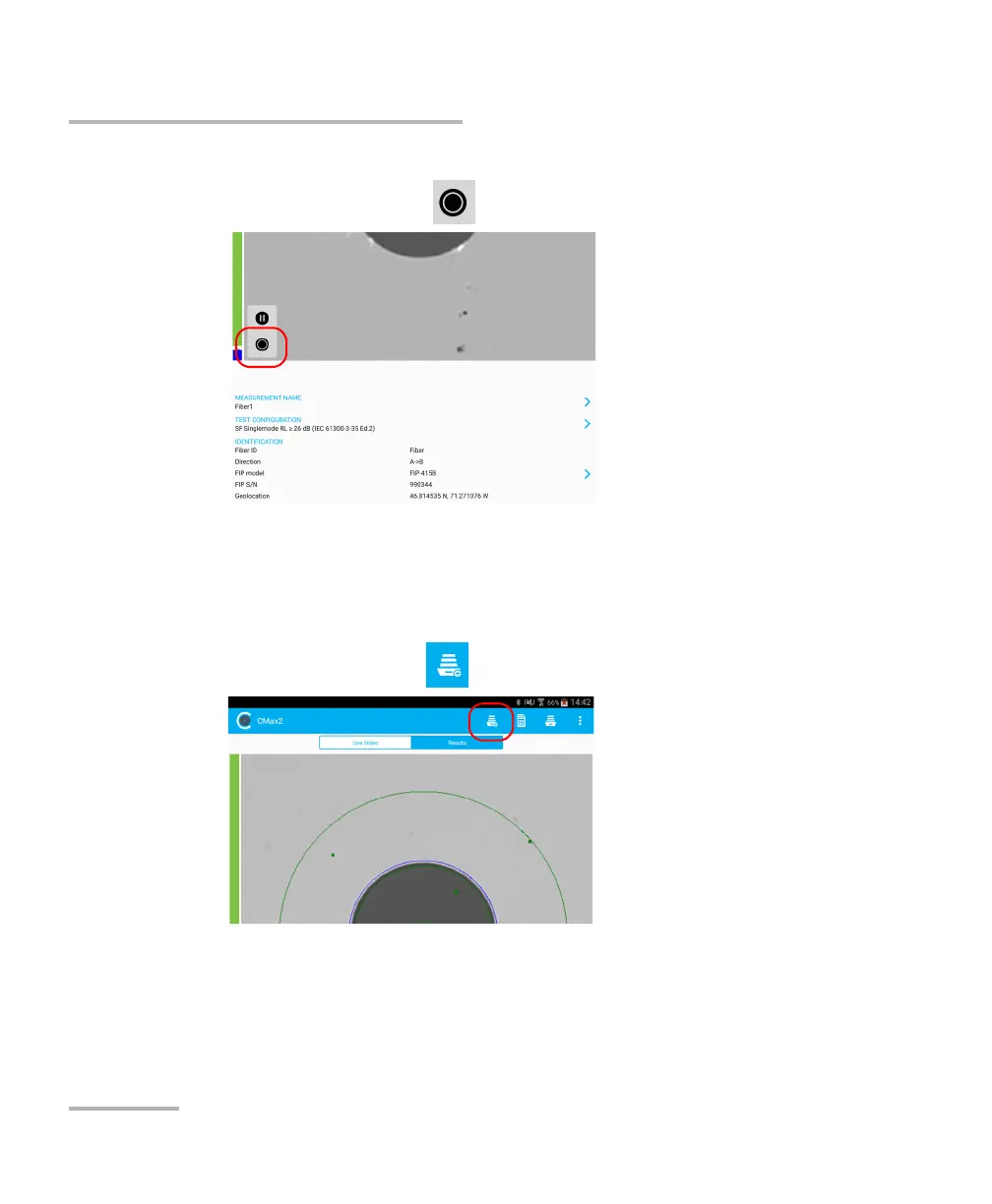
To save file manually:
1. In live video mode, tap .
OR
If you are using an MF-Ready probe and you are inspecting a multifiber
connector, perform the three captures. See Inspecting Multiple Fiber
Ends (MF-Ready Probes Only) on page 64 for details.
2. In the Results tab, tap .
Note: To save a file manually, the Auto save feature in the Application Settings
must be set to Never.



 To Next Page