Testing Fibers in Fault Finder Mode
88 MAX-700
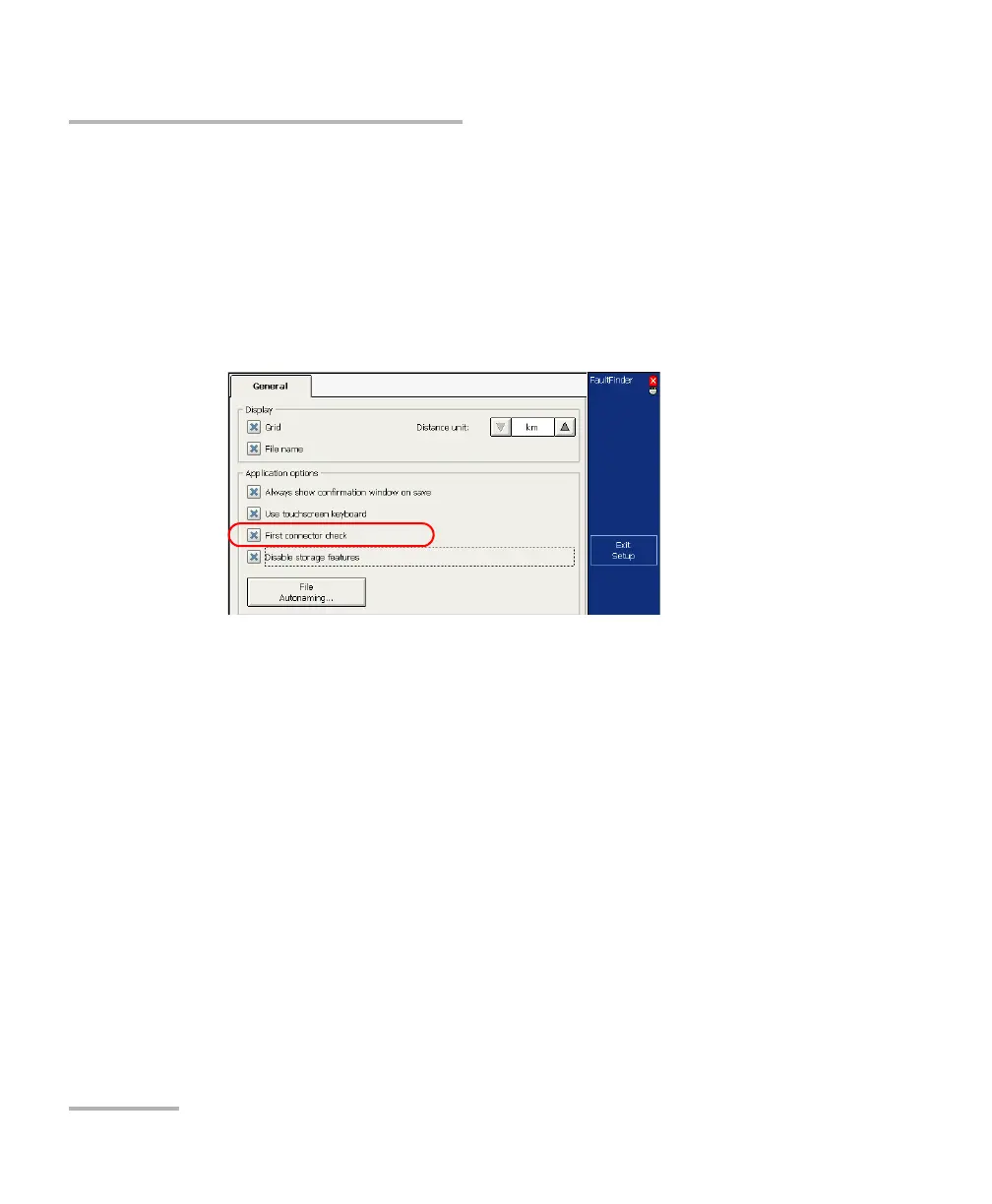
Enabling or Disabling the First Connector Check for Fault Finder
To enable or disable the first connector check:
1. From the button bar, press Setup then select the General tab.
2. To enable the first connector check, select the First connector check
check box.
OR
To disable it, clear the check box.
3. Press Exit Setup to return to the main window. The changes are
applied automatically.



 To Next Page