Getting Started with Your MAX-700
MAX-700 39
Timer
To start the Power Meter or Probe application:
From Main Menu, press Power Meter or Probe.
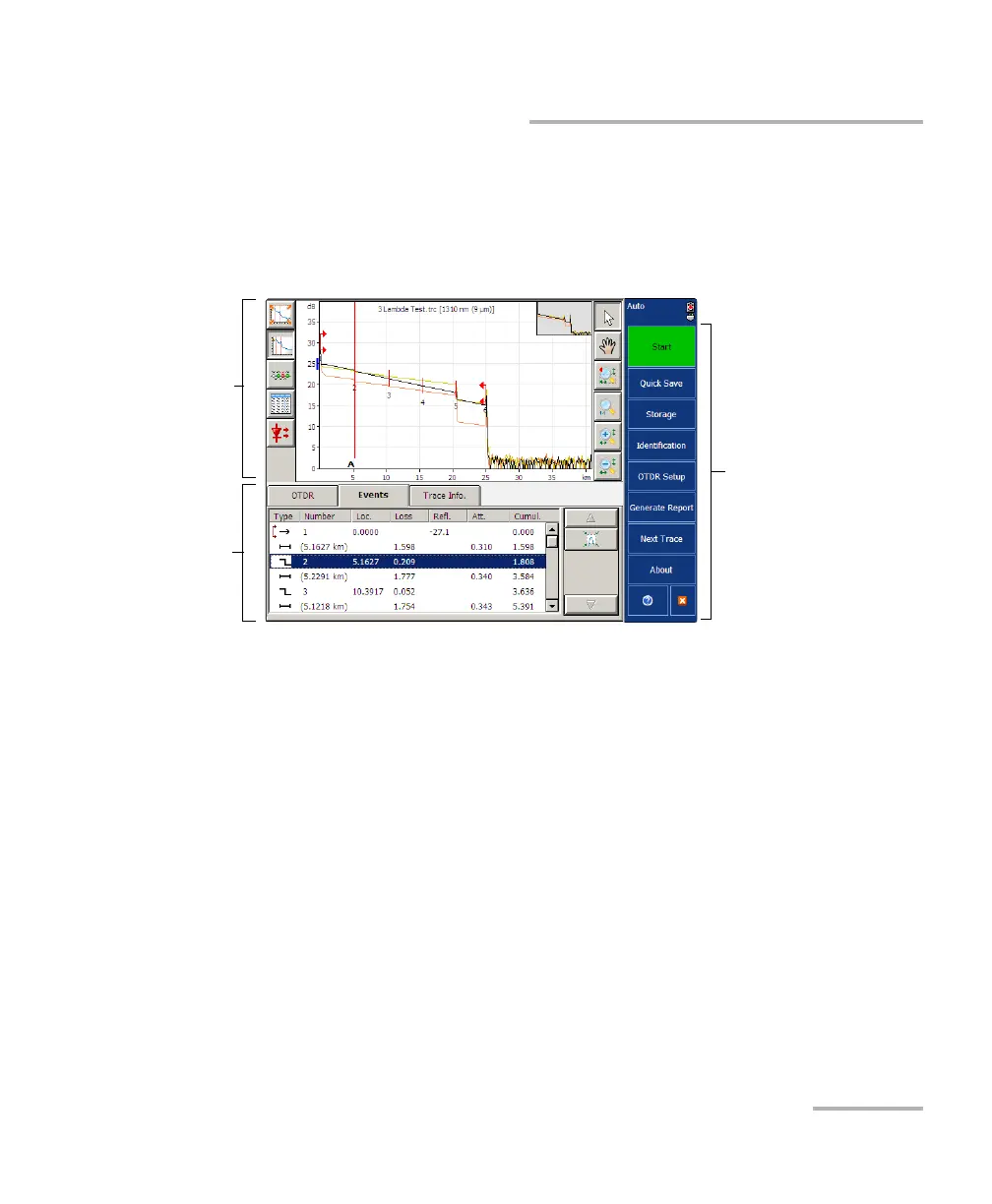
The main window (shown below) contains all the commands required to
control the OTDR instrument:
Note: Due to screen resolution, the appearance of your OTDR application may
vary slightly from the illustrations presented in this user guide.
Timer
Once the acquisition has begun, a timer is displayed on the right-hand side
of the screen, indicating the remaining time until the next acquisition.
Data
display
Function
Ta b s
Button bar



 To Next Page