Testing Fibers in Fault Finder Mode
86 MAX-700
Enabling or Disabling the Storage Feature
Enabling or Disabling the Storage Feature
By default, the Quick Save button is displayed in the button bar. However,
if you only want to perform quick tests without having to save the results,
you may prefer to hide the Quick Save button.
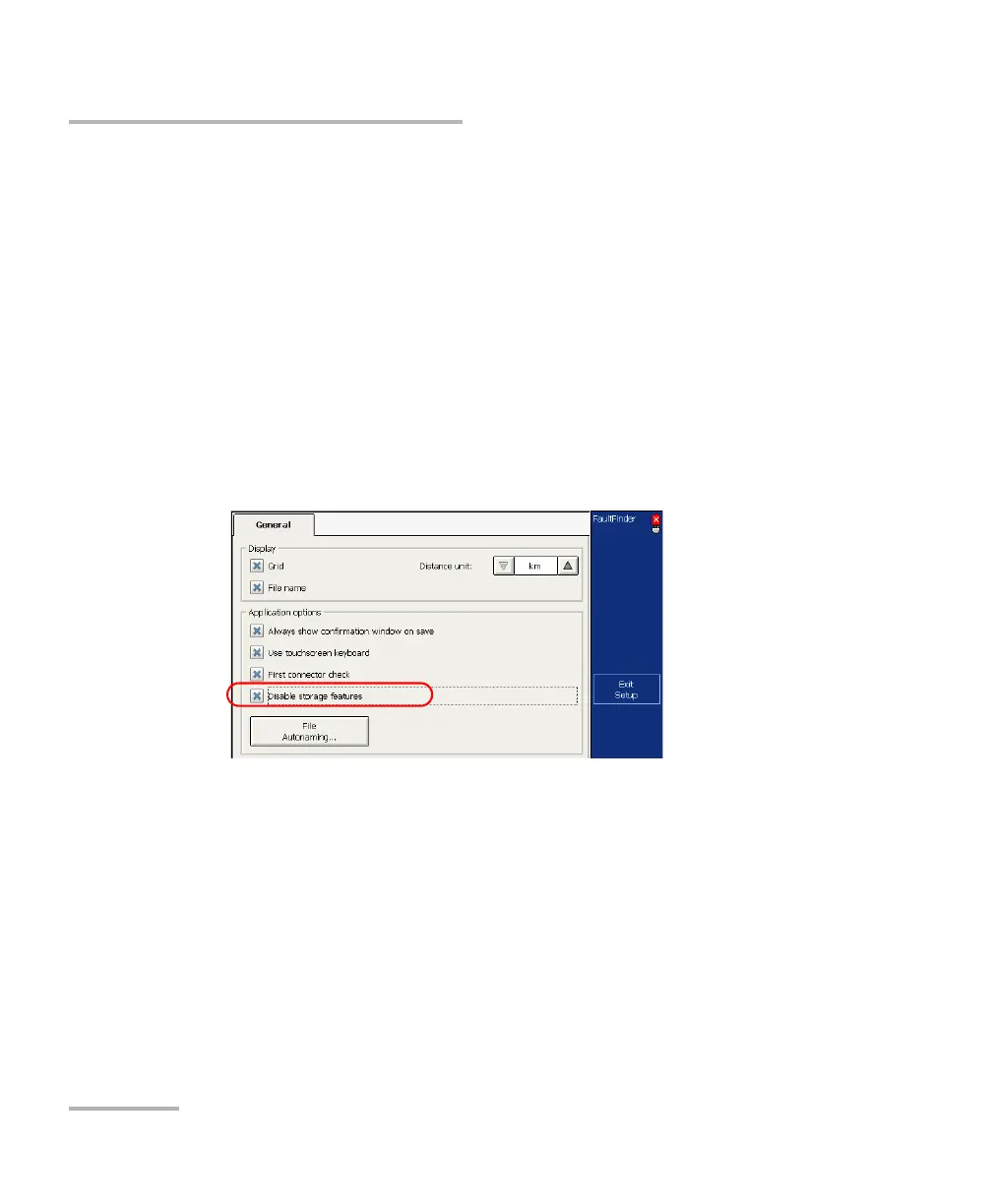
To enable or disable the storage feature:
1. From the button bar, press Setup, then go to the General tab.
2. If you want to hide the Quick Save button, select the
Disable storage features check box.
OR
If you want to display the button, clear the check box.
3. Press Exit Setup to return to the main window. The changes are
applied automatically.



 To Next Page