Customizing the OTDR Application
MAX-700 101
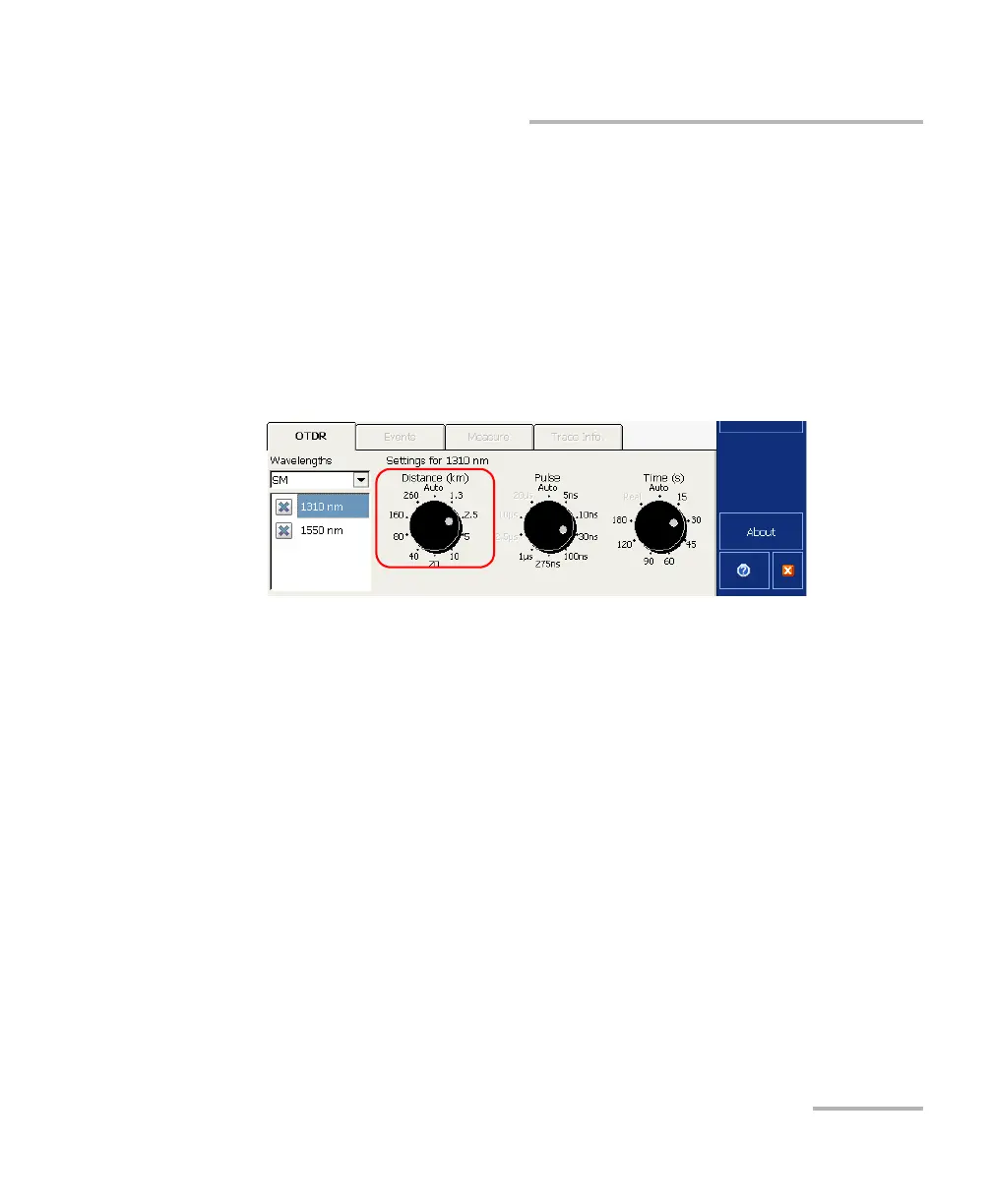
Customizing the Acquisition Distance Range Values
Customizing the Acquisition Distance Range
Values
Note: This function is available in Advanced mode only.
You can customize the values associated with the Distance dial. Once the
customization is complete, you are ready to set the distance range value
for your test. For more information, see Setting Distance Range, Pulse
Width, and Acquisition Time on page 63.
Note: The Auto value cannot be modified.



 To Next Page