Analyzing Traces and Events
150 MAX-700
Changing the Attenuation of Fiber Sections
Changing the Attenuation of Fiber Sections
Note: This function is available in Advanced mode only.
You can change the attenuation value of fiber sections.
Note: If you want to modify events, see Modifying Events on page 140.
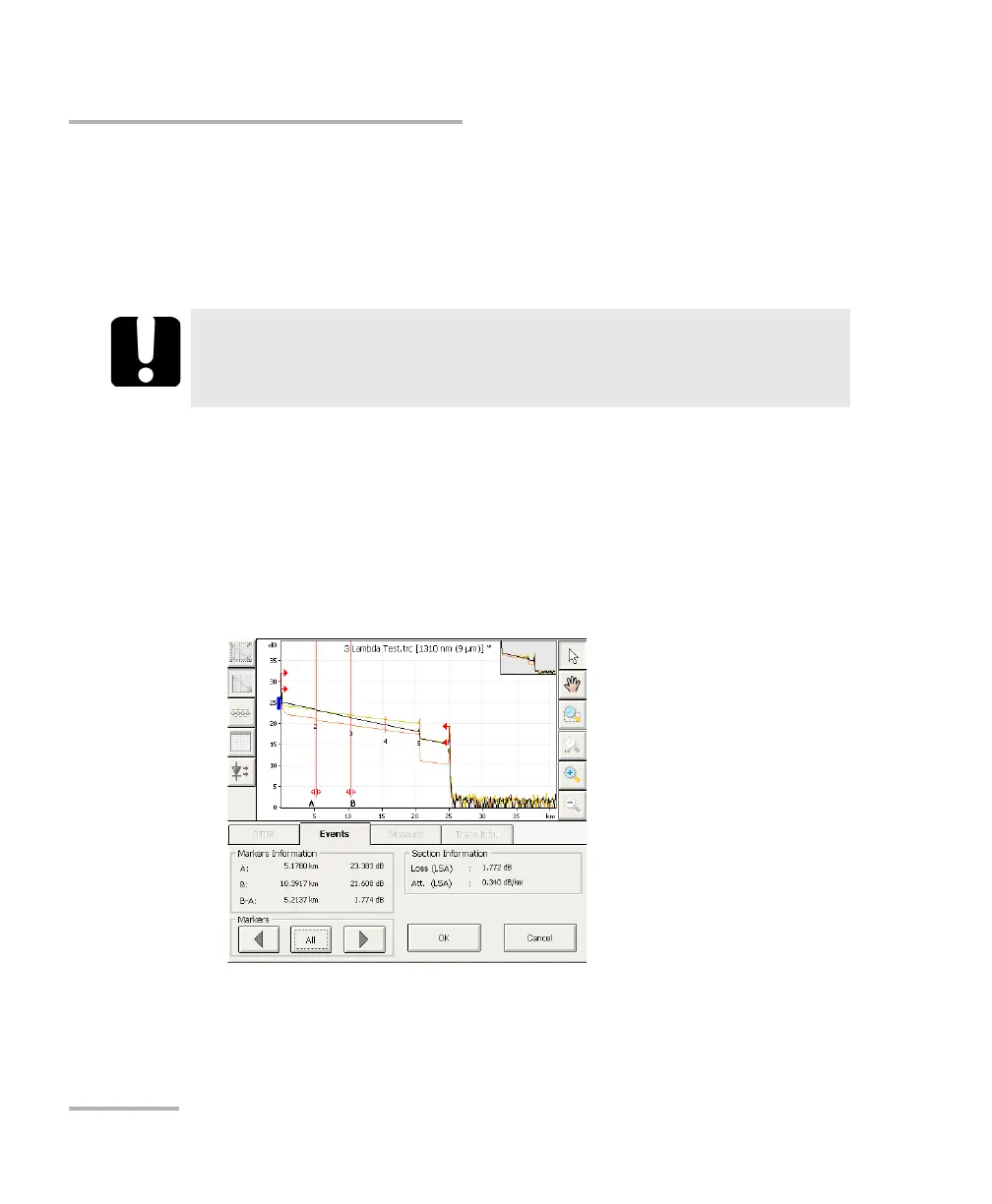
To modify the attenuation of a fiber section:
1. From the event table, select the fiber section.
2. Press the Change Event button.
The A and B markers appear in the trace display.
IMPORTANT
If you reanalyze a trace, all of the modifications made to the fiber
sections will be lost and the events table will be re-created.



 To Next Page