Analyzing the Results Manually
170 MAX-700
Getting Event Distances and Relative Powers
Getting Event Distances and Relative Powers
The OTDR test application automatically calculates the position of an event
and displays this distance in the events table.
You can retrieve the position of an event as well as the distance between
events manually. You can also display various relative power readings.
Distances and relative powers correspond to the X-axis and Y-axis,
respectively.
To get the distance to an event and the associated relative power
level:
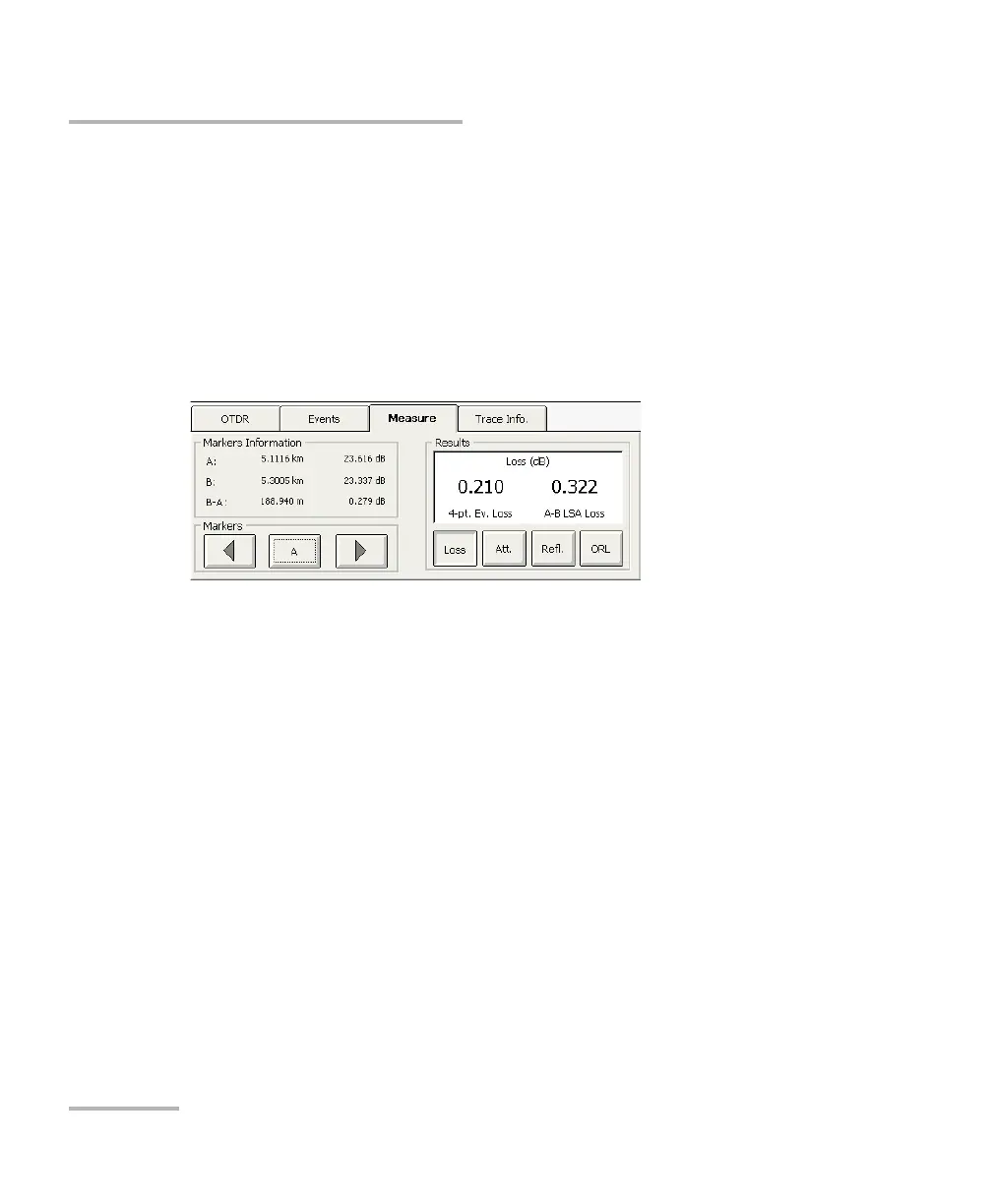
1. From the main window, select the Measure tab.
2. Move marker A to the beginning of the event. For more information
about markers, see Using Markers on page 169.



 To Next Page