Setting Up Your Unit
198 MAX-700
Adjusting Microphone and Headphones Volume
Adjusting Microphone and Headphones
Volume
To fit your work environment, you may adjust the volume of your headset’s
microphone and headphones. Values are kept in memory even when you
turn the unit off.
To adjust the microphone volume:
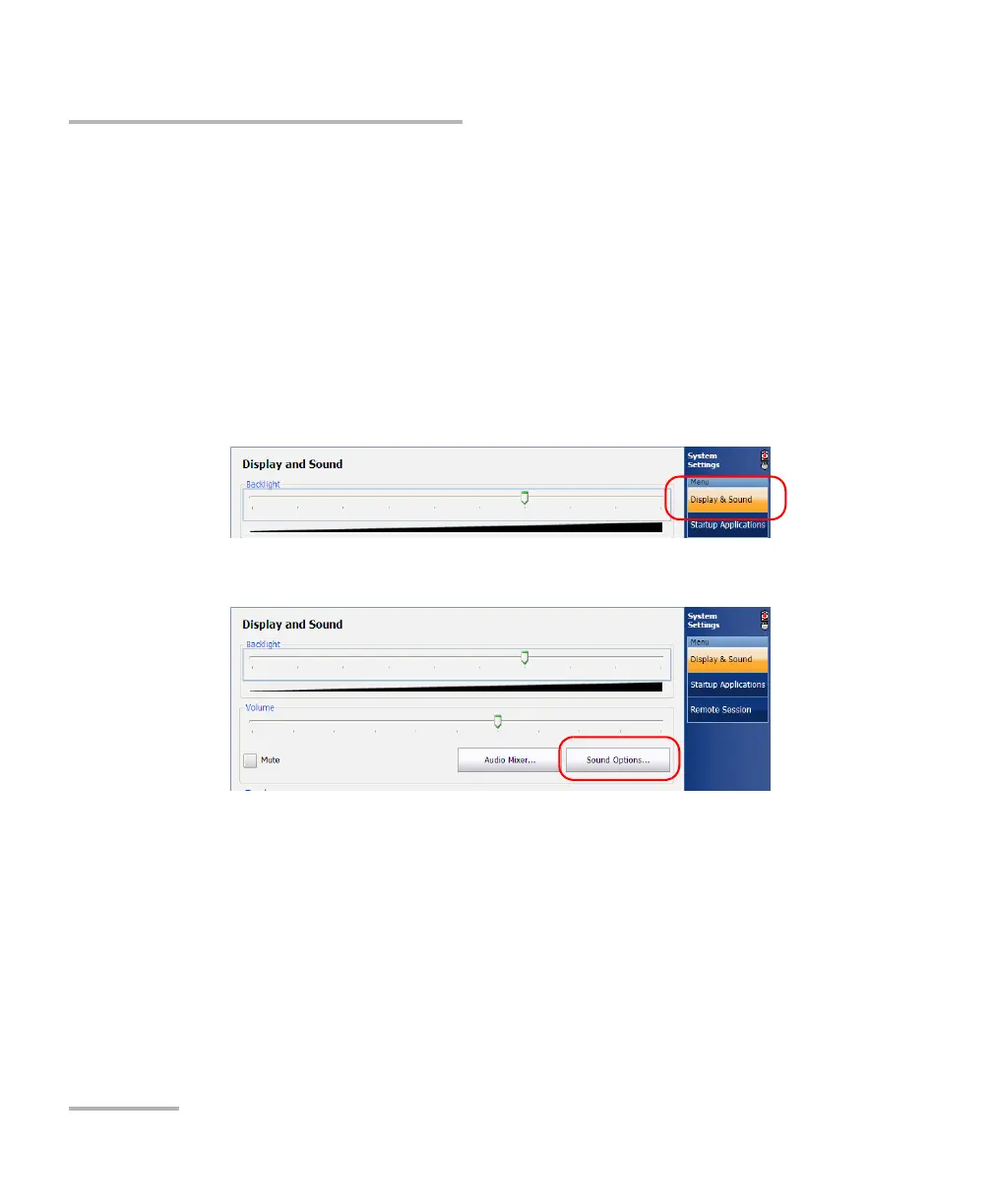
1. From the Main Menu, tap System Settings.
2. If necessary, from System Settings, tap Display & Sound.
3. Under Volume, tap the Sound Options button.
4. Select the Voice tab.



 To Next Page