Setting Up Your Unit
MAX-700 205
Enabling or Disabling the Touchscreen Right-Click Feature
Enabling or Disabling the Touchscreen
Right-Click Feature
By default, you can right-click with your touchscreen (see Right-Clicking
with the Touchscreen on page 23). However, you can disable this feature if
you prefer.
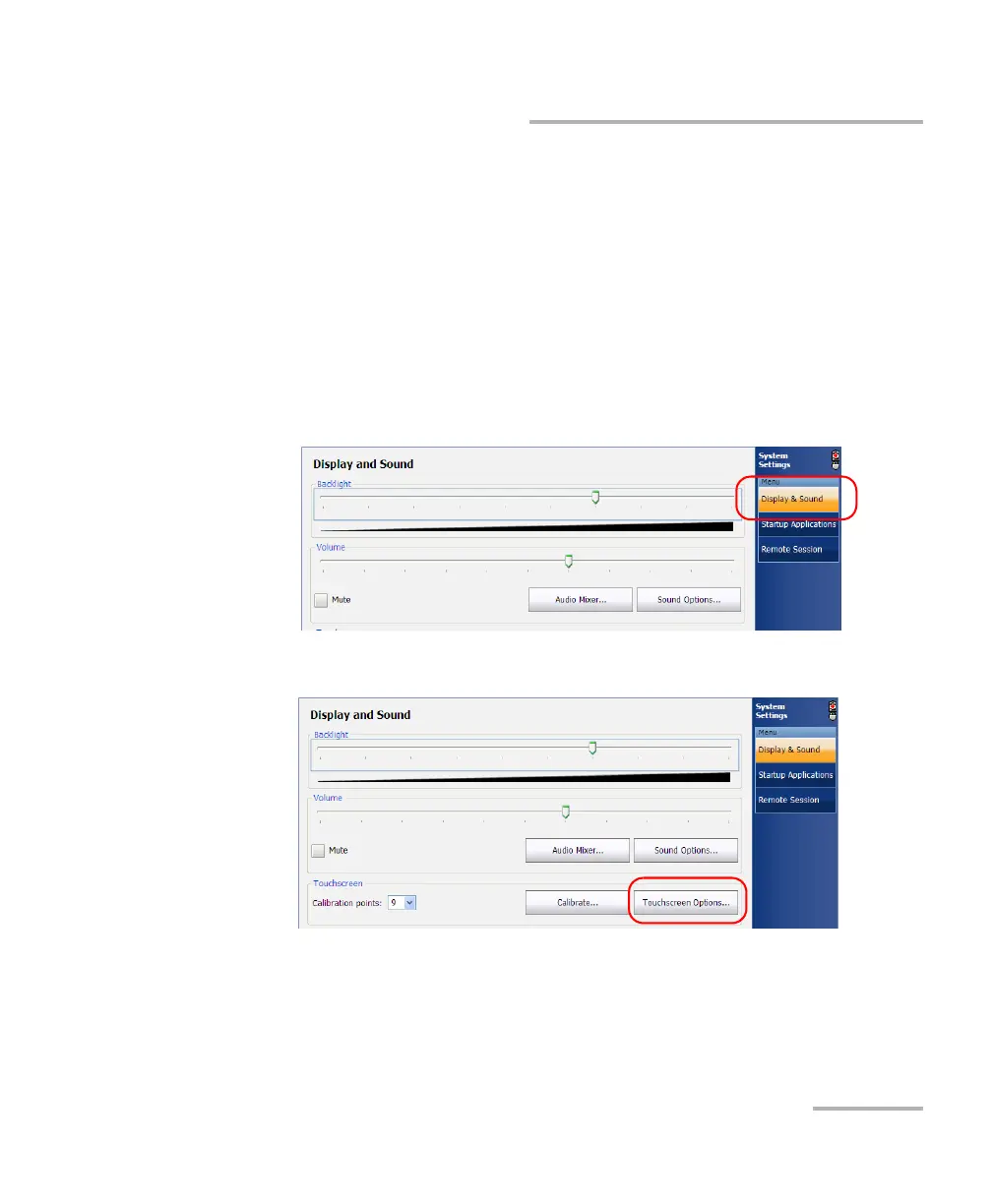
To enable or disable the right-click of the touchscreen:
1. From the Main Menu, tap System Settings.
2. If necessary, from System Settings, tap Display & Sound.
3. Under Touchscreen, tap the Touchscreen Options button.



 To Next Page