Setting Up Your Unit
204 MAX-700
Recalibrating the Touchscreen
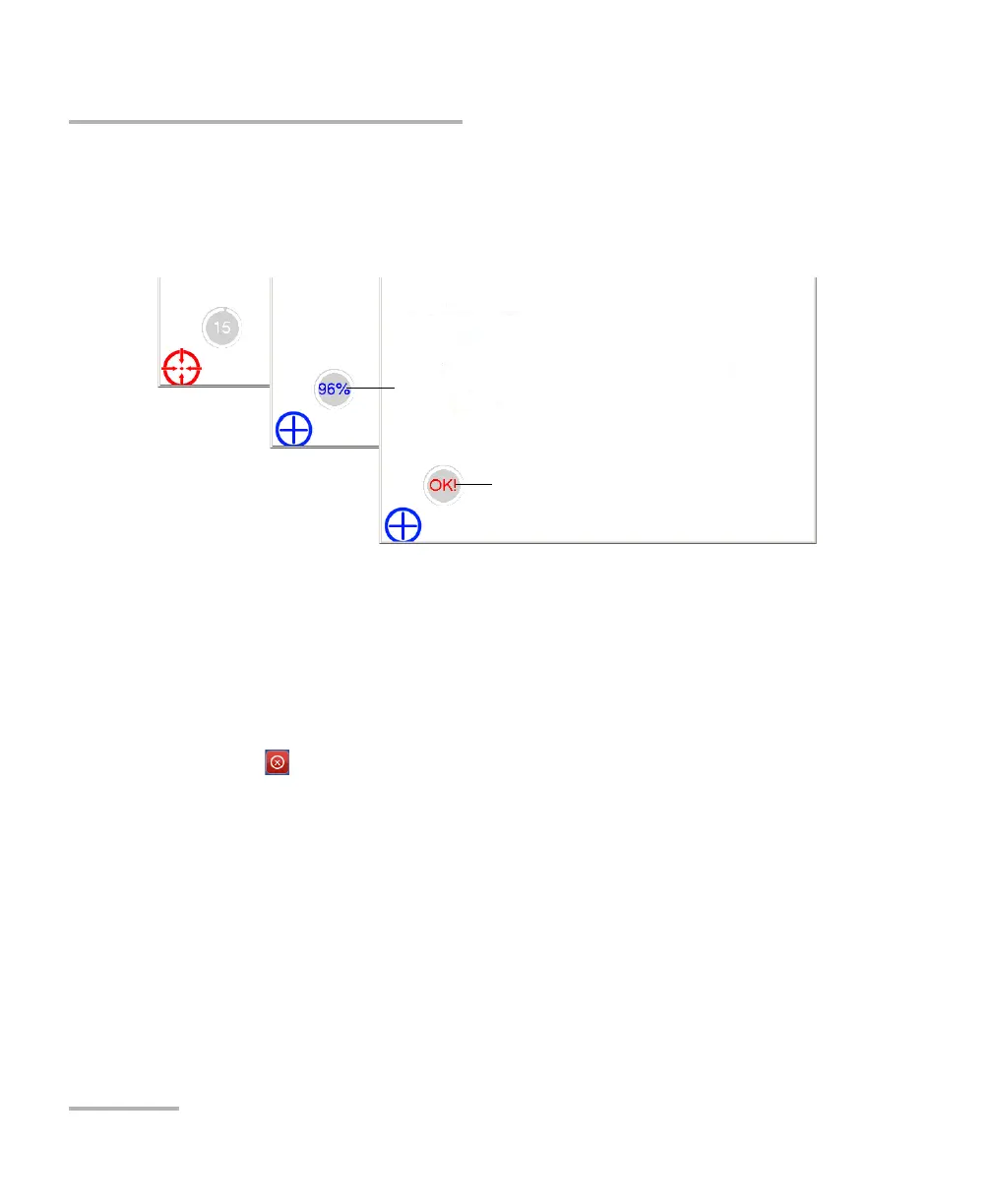
5. Using the stylus (or any blunt pointing device), simply press the center
of the different targets that appear on the screen. Keep pressing until
the application displays OK to indicate that the new parameters have
been taken into account.
Note: If you want to stop the calibration process, stop pressing the screen. The
application will close automatically after a few seconds and you will return
to the Display & Sound window.
When the calibration is complete, you will return to the Display & Sound
window automatically.
6. Tap to return to the MAX-700 software window.
New parameters taken into account
Percentage of completion



 To Next Page