Testing Fibers in Fault Finder Mode
90 MAX-700
Setting Trace Display Parameters
Setting Trace Display Parameters
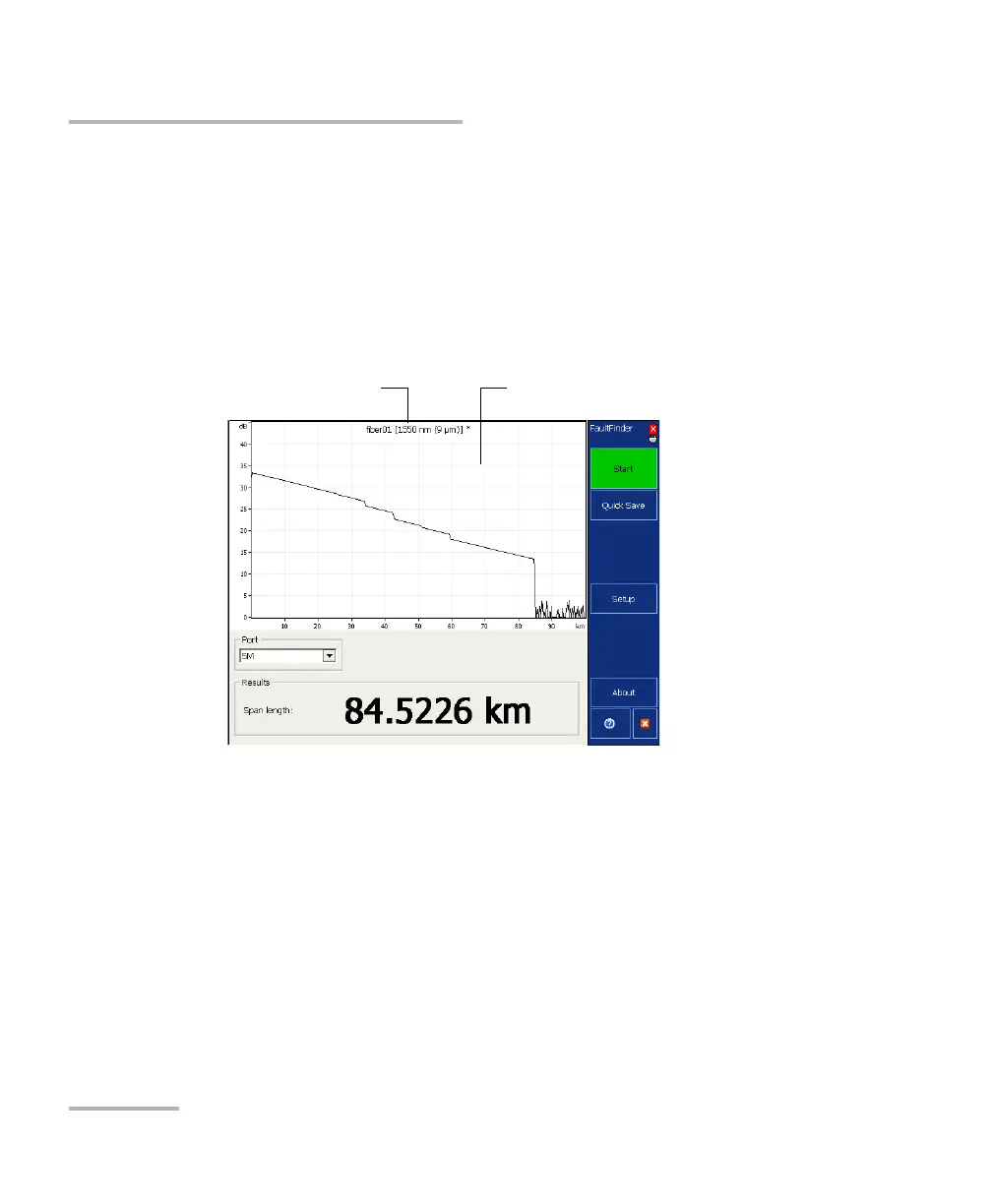
You can change several trace display parameters:
the grid: You can display or hide the grid appearing on the graph’s
background. By default, the grid is displayed.
the file name in the trace display: The file name appears at the top of
the trace display. By default, the file name is displayed.
Note: The trace display settings used in Fault Finder mode are independent from
the ones used in the other OTDR modes (Auto and Advanced).



 To Next Page