Testing Fibers in Fault Finder Mode
MAX-700 91
Setting Trace Display Parameters
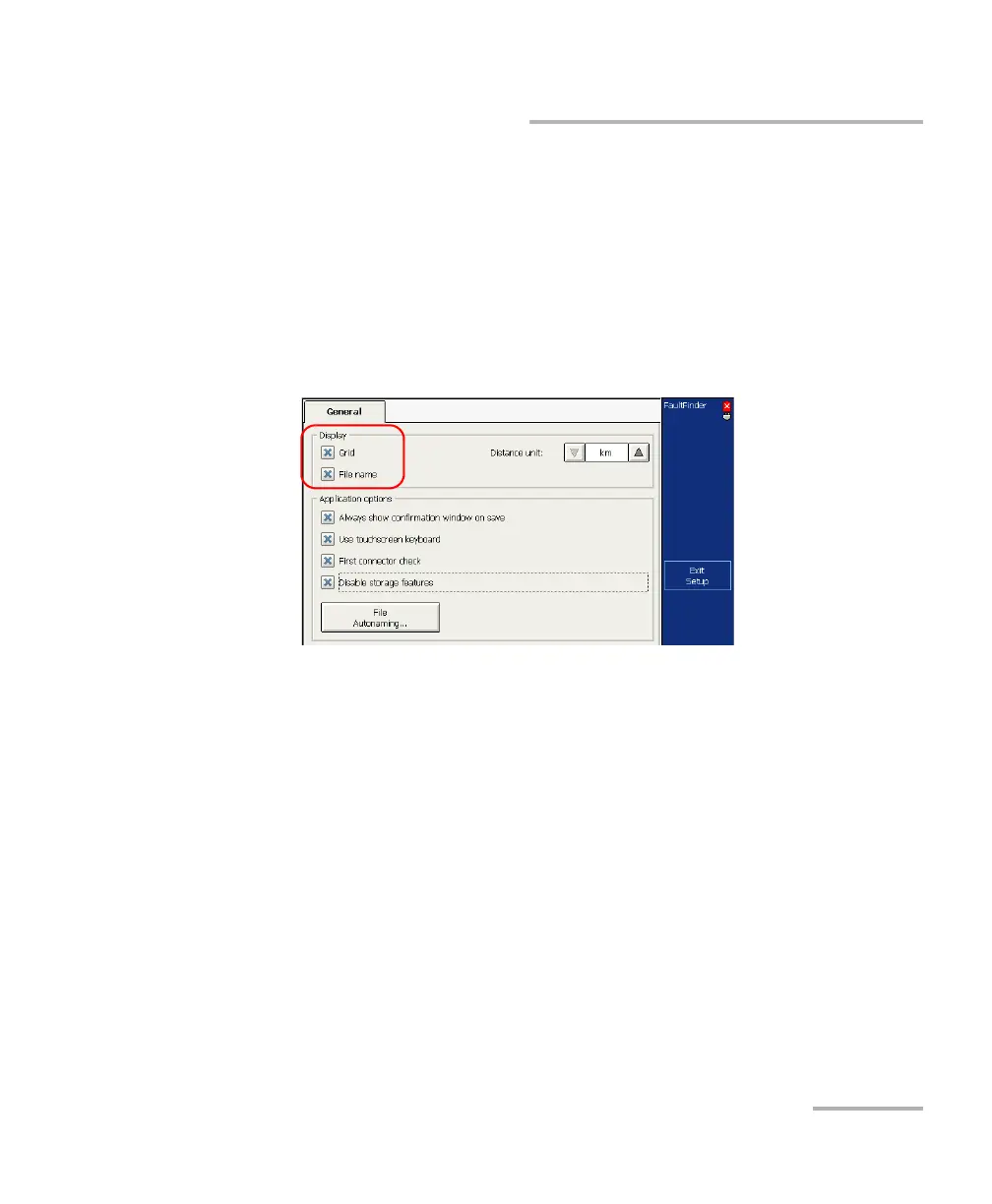
To set the trace display parameters:
1. From the button bar, press the Setup button, then select the General
tab.
2. Select the check boxes corresponding to the item you want to display
on the graph.
OR
To hide them, clear the check boxes.
3. Press Exit Setup to return to the main window. The changes are
applied automatically.



 To Next Page