Setting Up Your Unit
208 MAX-700
Customizing the On-Screen Keyboard
Customizing the On-Screen Keyboard
You can customize the appearance and behavior of the on-screen
keyboard. For more information on the various parameters that you can
set, refer to the on-screen keyboard online help.
For information on how switch from one of the available languages to
another, see Selecting the Language of Operation on page 215.
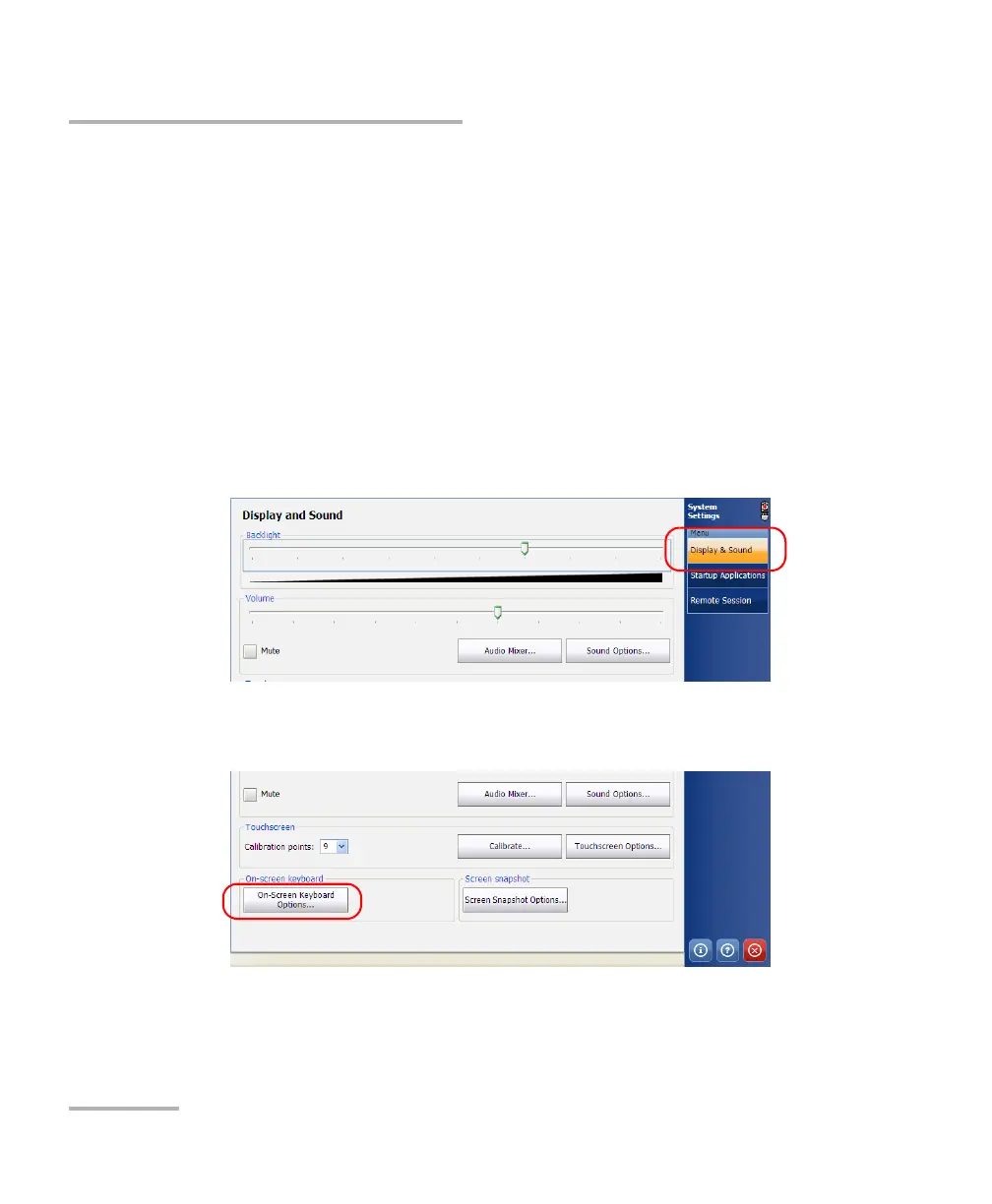
To customize the appearance and behavior of the on-screen
keyboard:
1. From the Main Menu, tap System Settings.
2. If necessary, from System Settings, tap Display & Sound.
3. Under On-screen keyboard, tap the On-Screen Keyboard Options
button.



 To Next Page