Introducing the MAX-700
6 MAX-700
LED Indicators Description
LED Indicators Description
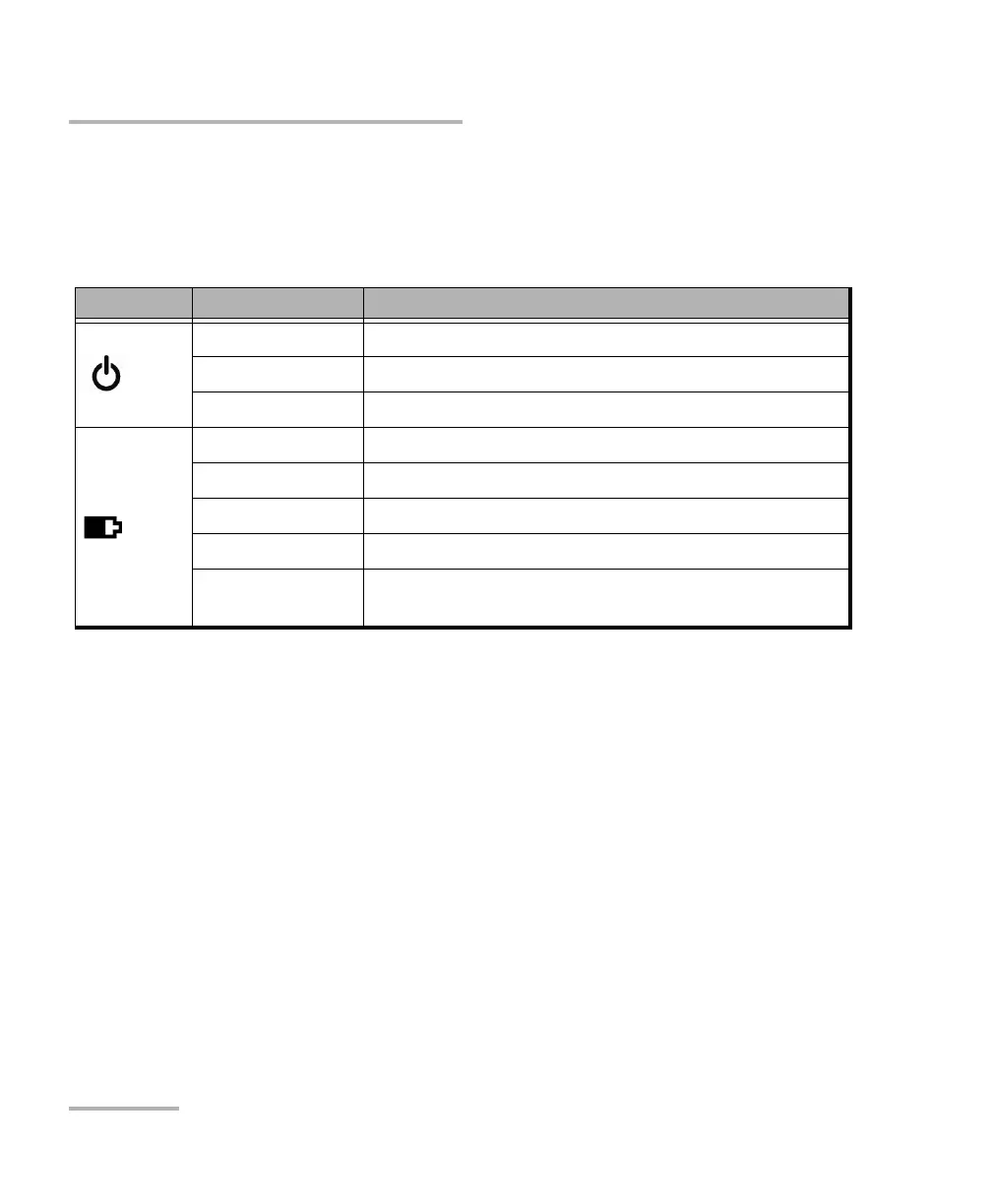
There are two LED indicators located on the front panel of your unit,
providing you with information about the power and battery statuses.
LED Status Meaning
Green Unit is on.
Green, blinking Unit is in Standby mode.
Off Unit is off or in Hibernation mode.
Green Battery is fully charged.
Green, blinking Battery is charging.
Yellow, blinking Unit is not powered by AC and battery is low.
Red No battery in the unit or battery error.
Off Unit is off or unit is not powered by AC and battery
level is above the “low-battery threshold”.



 To Next Page