Analyzing Traces and Events
148 MAX-700
Managing Comments
Managing Comments
Note: This function is available in Advanced mode only.
You can insert comments manually on a specific event and you can also
delete them. A red triangle on the event indicates that a comment has
been added. This way, you can locate rapidly the events you have
customized.
To insert a comment:
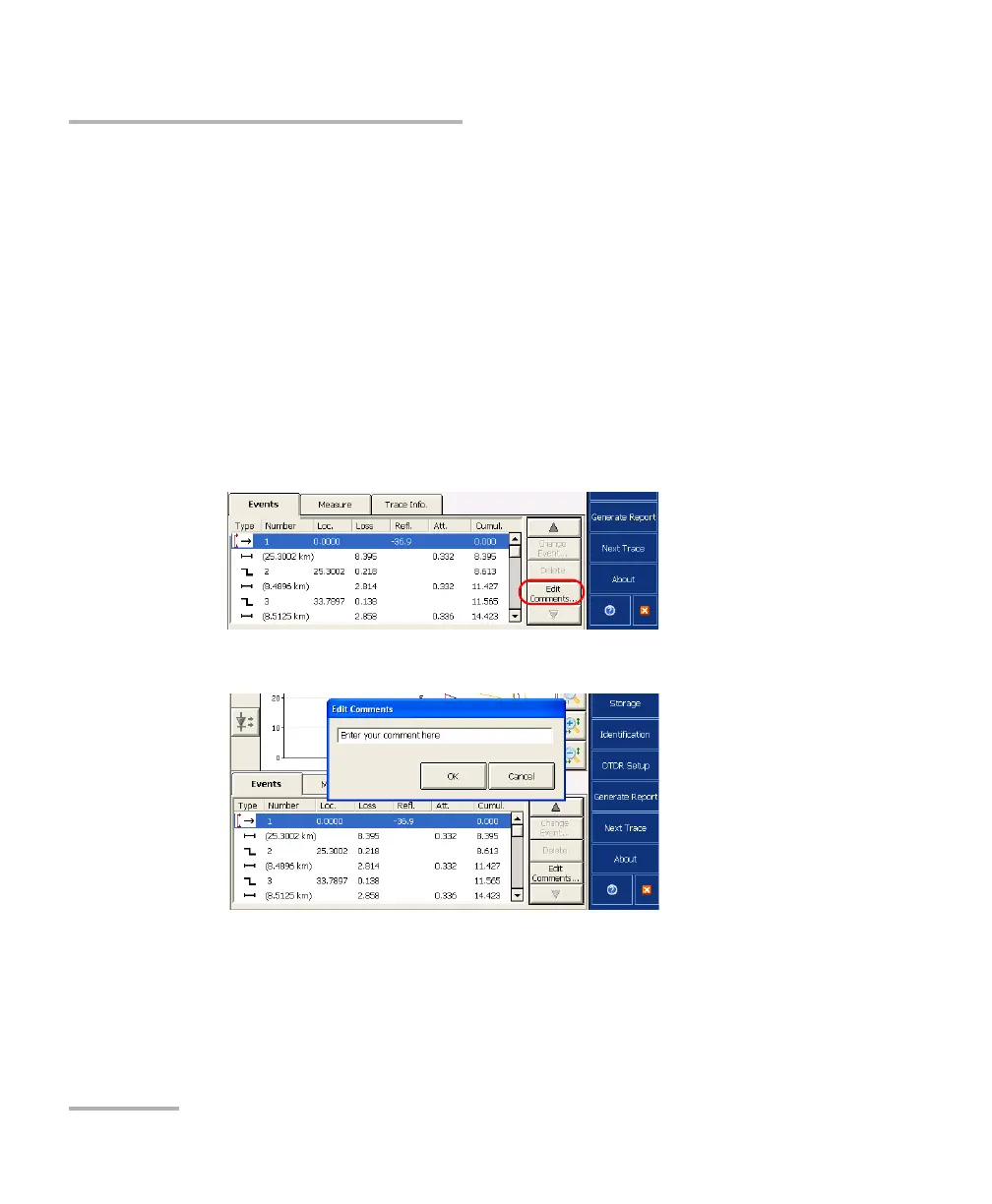
1. Select the event on which you want to insert a comment.
2. From the Events tab, press Edit Comments.
3. From the Edit Comments dialog box, enter a comment.
4. Press OK.
A red triangle appears next to the event number to indicate that a comment
has been inserted manually. The customized event can be seen in the
tooltip.



 To Next Page