Analyzing the Results Manually
178 MAX-700
Getting Reflectance
Getting Reflectance
Reflectance is the ratio of reflected light to input light.
Note: If you are testing in Real time, the reflectance value you will get is not
necessarily accurate.
To get reflectance:
1. From the main window, select the Measure tab.
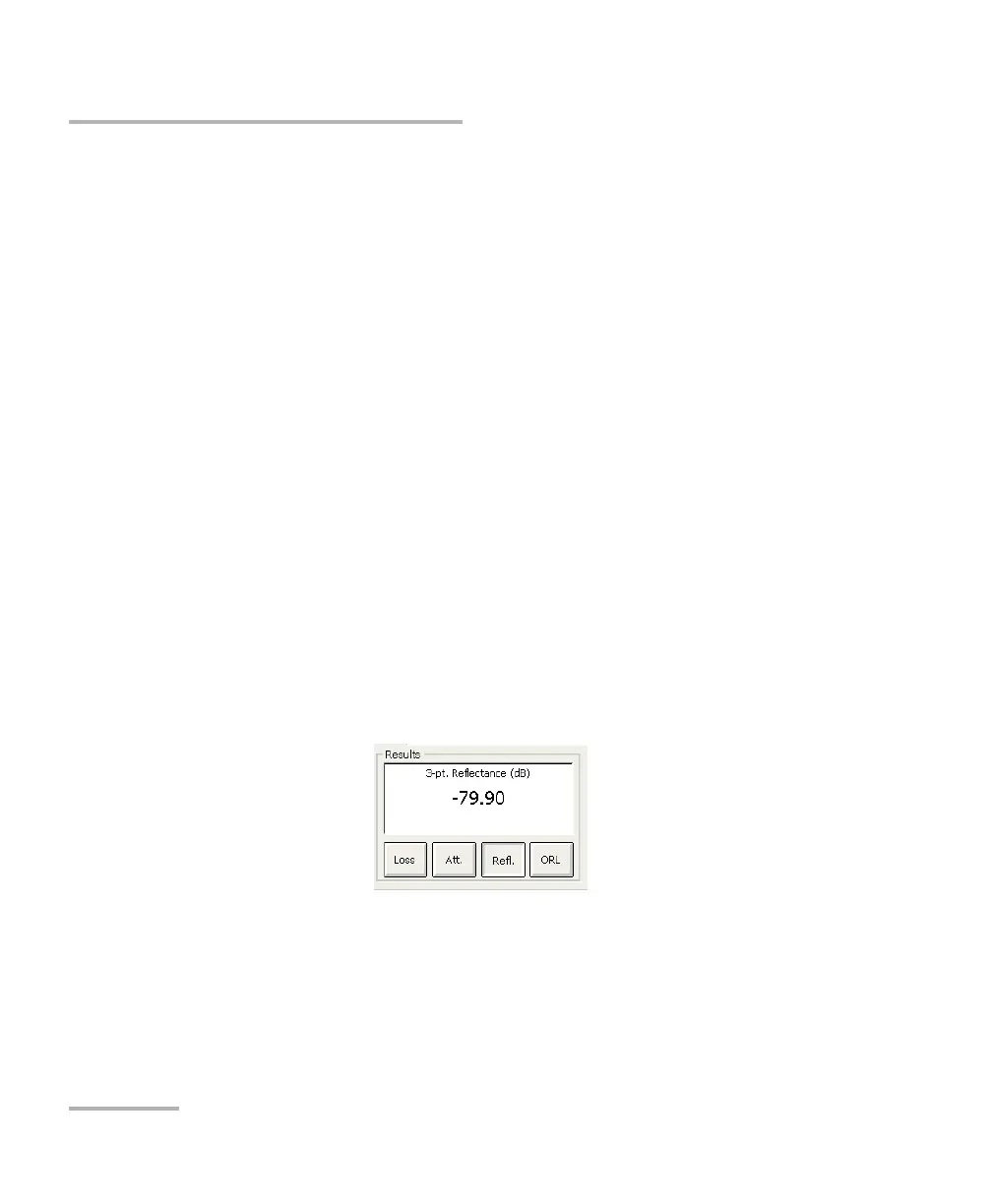
2. In the Results section, press the Refl. button. Markers a, A and
B appear on the graph.
3. Zoom in and position marker A on the linear area preceding the event
to be measured. For more information, see Using Zoom Controls on
page 125 and Using Markers on page 169.
4. Position submarker a at the beginning of the linear area preceding the
event to be measured.
5. Position marker B at the peak of the reflective event to be measured.
Note: Using this procedure, you can measure the reflectance of all the events in a
merged reflective fault event.
Note: For non-reflective events, will be displayed.



 To Next Page