Analyzing the Results Manually
MAX-700 177
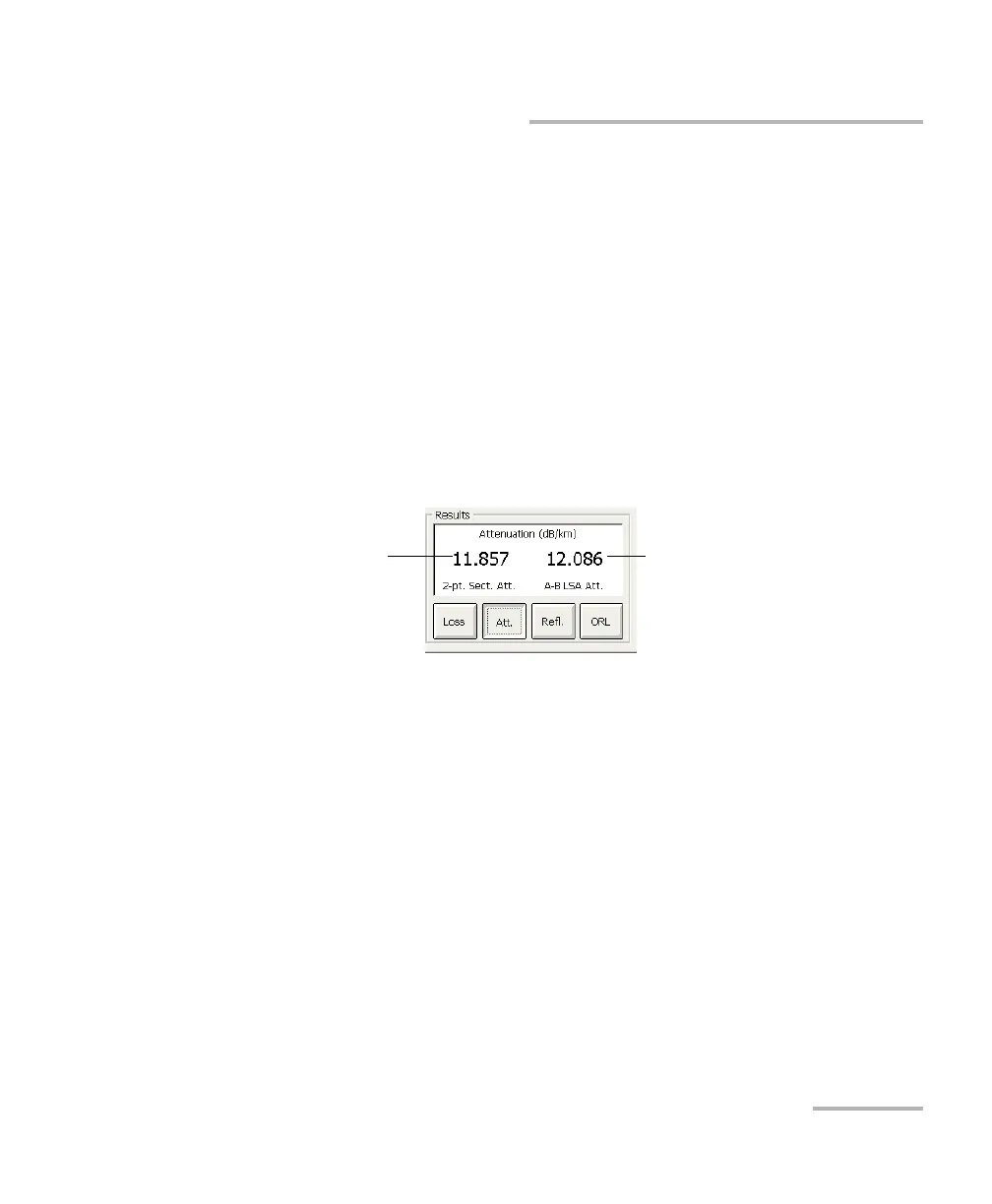
Getting Attenuation (Two-Point and Least-Square Approximation)
To get attenuation:
1. From the main window, select the Measure tab.
2. In the Results section, press the Att. button. Markers A and B appear
on the graph.
3. Place markers A and B at any two points on the trace. For more
information, see Using Markers on page 169.
4. Zoom in on the trace and fine-tune the marker positioning if necessary.
For more information, see Using Zoom Controls on page 125.
Note: There should not be any events between markers A and B when
performing the two-point attenuation measurement.
Note: The attenuation values that are displayed depend on which measurement
methods are selected (see Selecting the Attenuation and Loss Values that
Will Be Displayed on page 167).
Least-square
approximation
Loss over distance
between markers
A and B



 To Next Page