MAX-700 197
14 Setting Up Your Unit
Adjusting Brightness
To fit your work environment, you may adjust the LCD brightness. Values
are kept in memory even when you turn the unit off.
Note: These settings do not apply to a fiber inspection probe display.
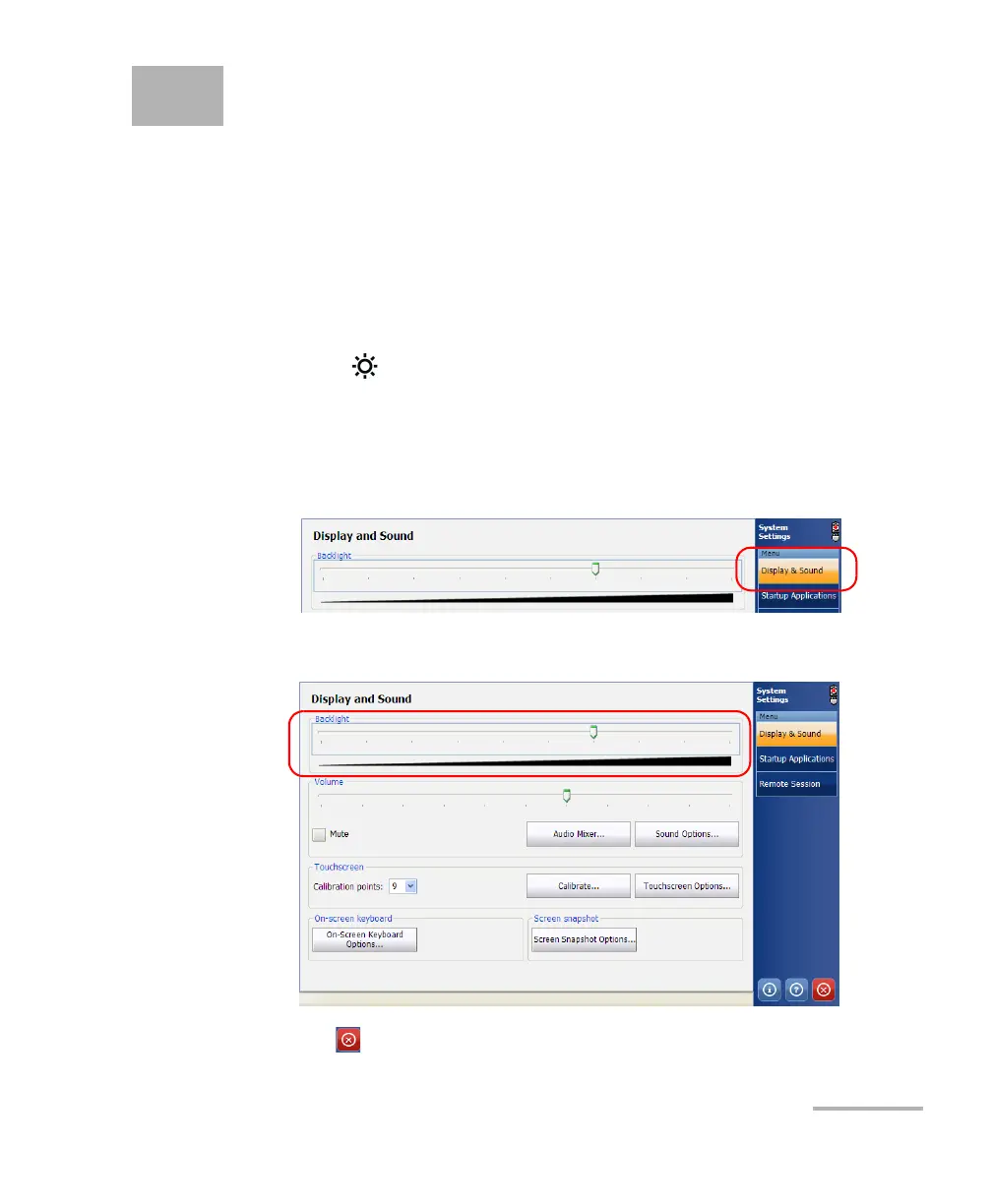
To adjust the display brightness:
Press the key repeatedly to switch between brightness levels.
OR
1. From the Main Menu, tap System Settings.
2. If necessary, from System Settings, tap Display & Sound.
3. Move the slider until the screen appearance is to your liking.
4. Tap to return to the MAX-700 software window.



 To Next Page