Analyzing Traces and Events
130 MAX-700
Customizing the Event Table
Customizing the Event Table
Note: This function is available both in Advanced and Auto modes.
You can include or exclude items from the events table to better suit your
needs.
Note: Hiding the fiber sections will not delete these items.
Fiber sections: You can display or hide fiber sections in the events table
and in the linear view, depending on the types of values you want to
display.
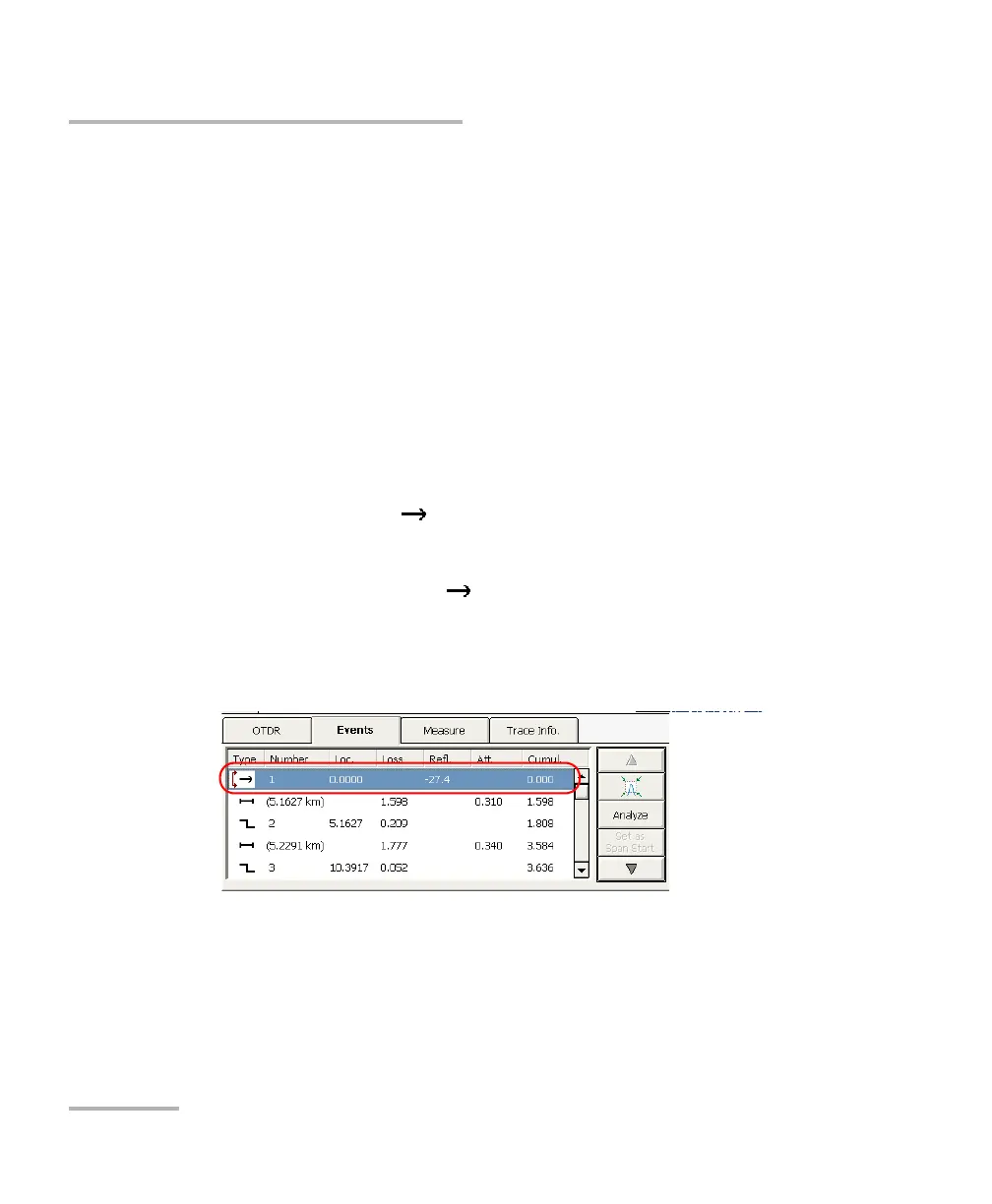
Launch level: In the events table, the Launch Level event is
represented by the icon. In the Att. column, the injection level
value for that event is identified by the @ symbol.
You can hide the injection level value and symbol from the
Att. column, but not the icon.
Including span start and span end: When applicable, the application
will include the losses caused by the span start and span end events to
the span ORL and span loss values.
If you activated the pass/fail test(see Setting Pass/Fail Thresholds on
page 70), span-start and span-end events will be taken into account
when determining the status (pass/fail) of splice and connector loss
and reflectance.



 To Next Page