Analyzing Traces and Events
MAX-700 131
Customizing the Event Table
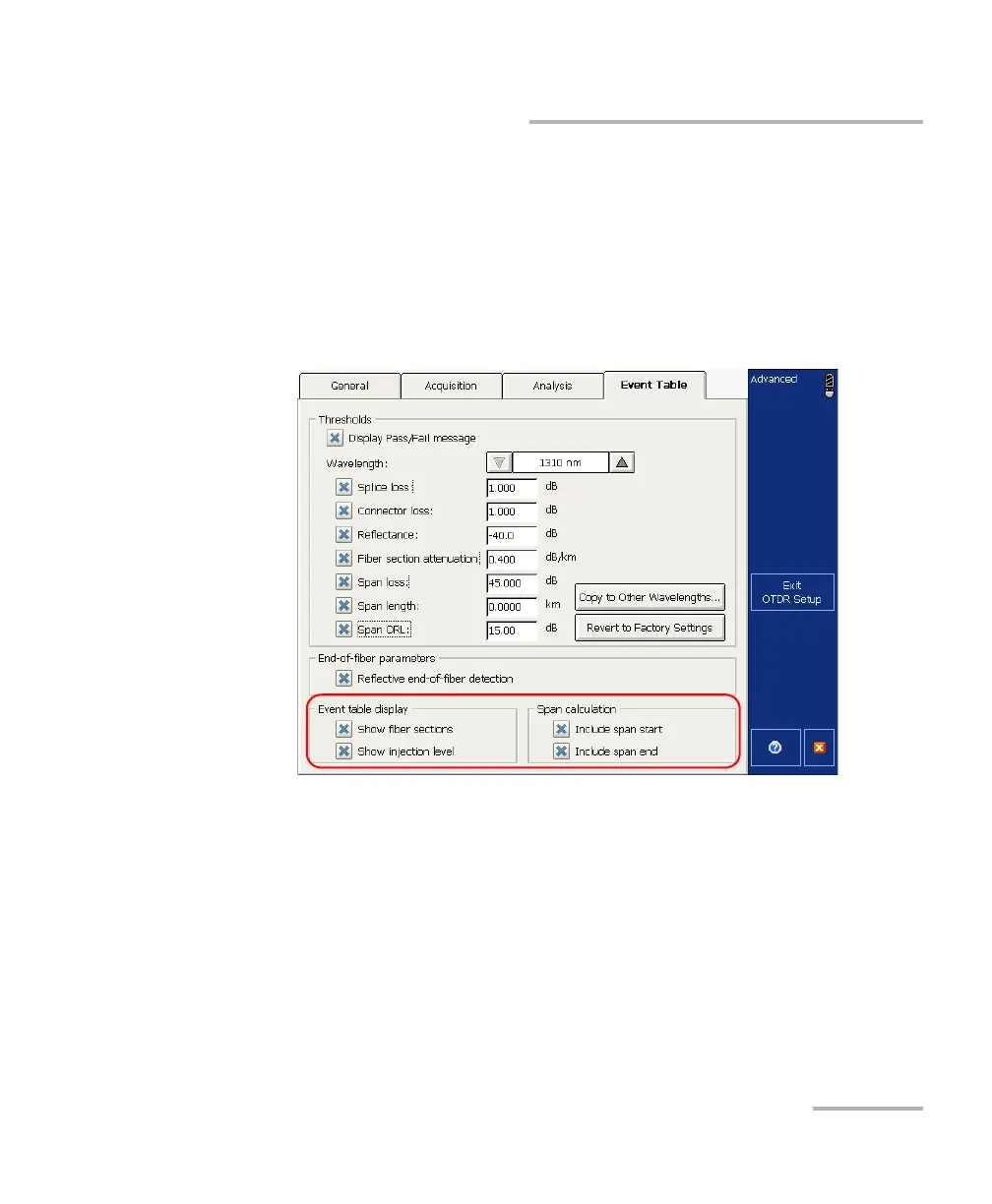
To customize the events table appearance:
1. From the OTDR Setup window, select the Event Table tab.
2. Select the boxes corresponding to the item you want to display or
include in the table.
OR
To hide them, clear the boxes.
3. Press Exit OTDR Setup.



 To Next Page