Setting Up Your Unit
MAX-700 199
Adjusting Microphone and Headphones Volume
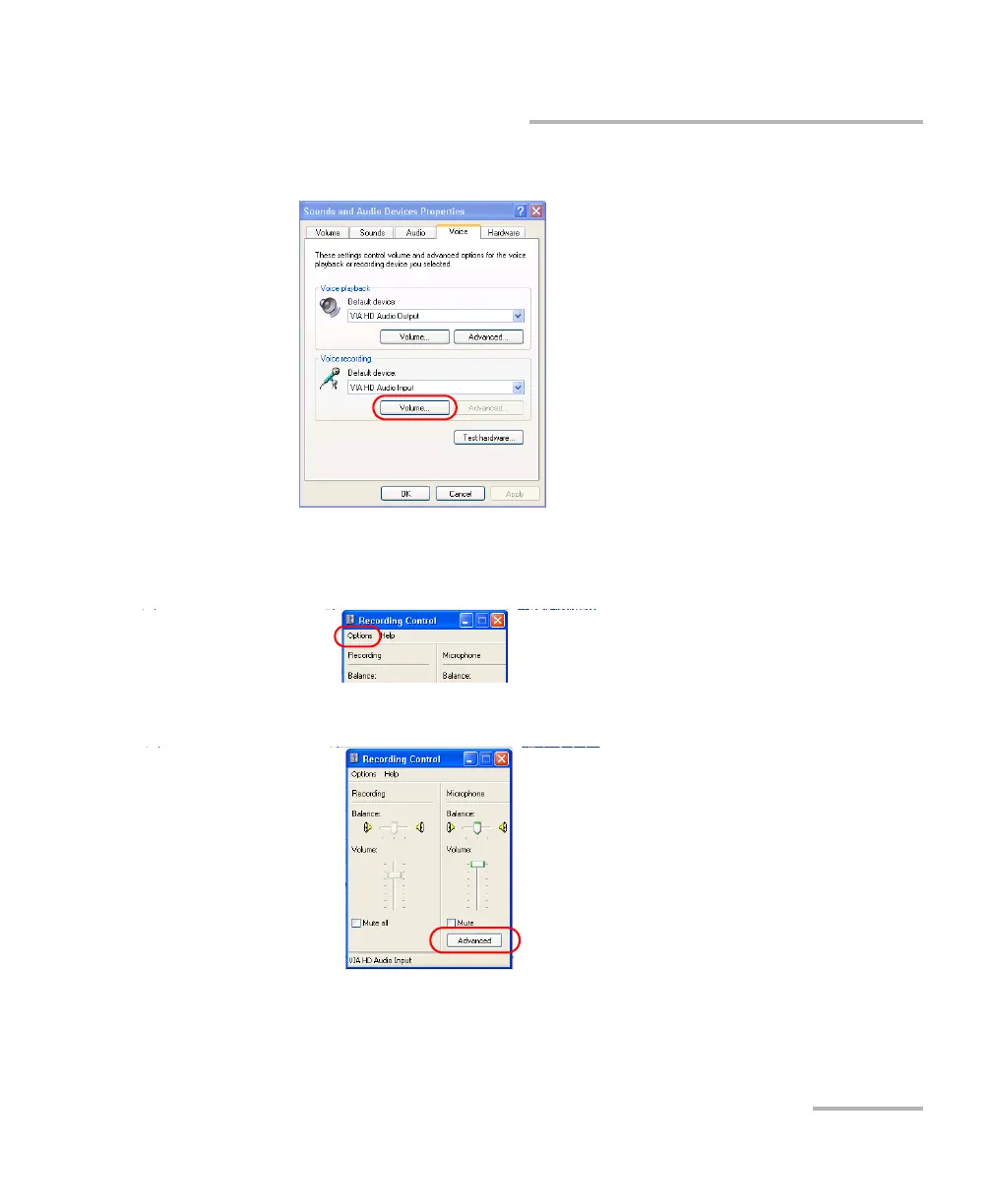
5. Under Voice recording, tap Volume.
6. Ensure that the microphone boost option is selected:
6a. From the Options menu, select Advanced Controls.
6b. Tap the Advanced button.



 To Next Page