Setting Up Your Unit
200 MAX-700
Adjusting Microphone and Headphones Volume
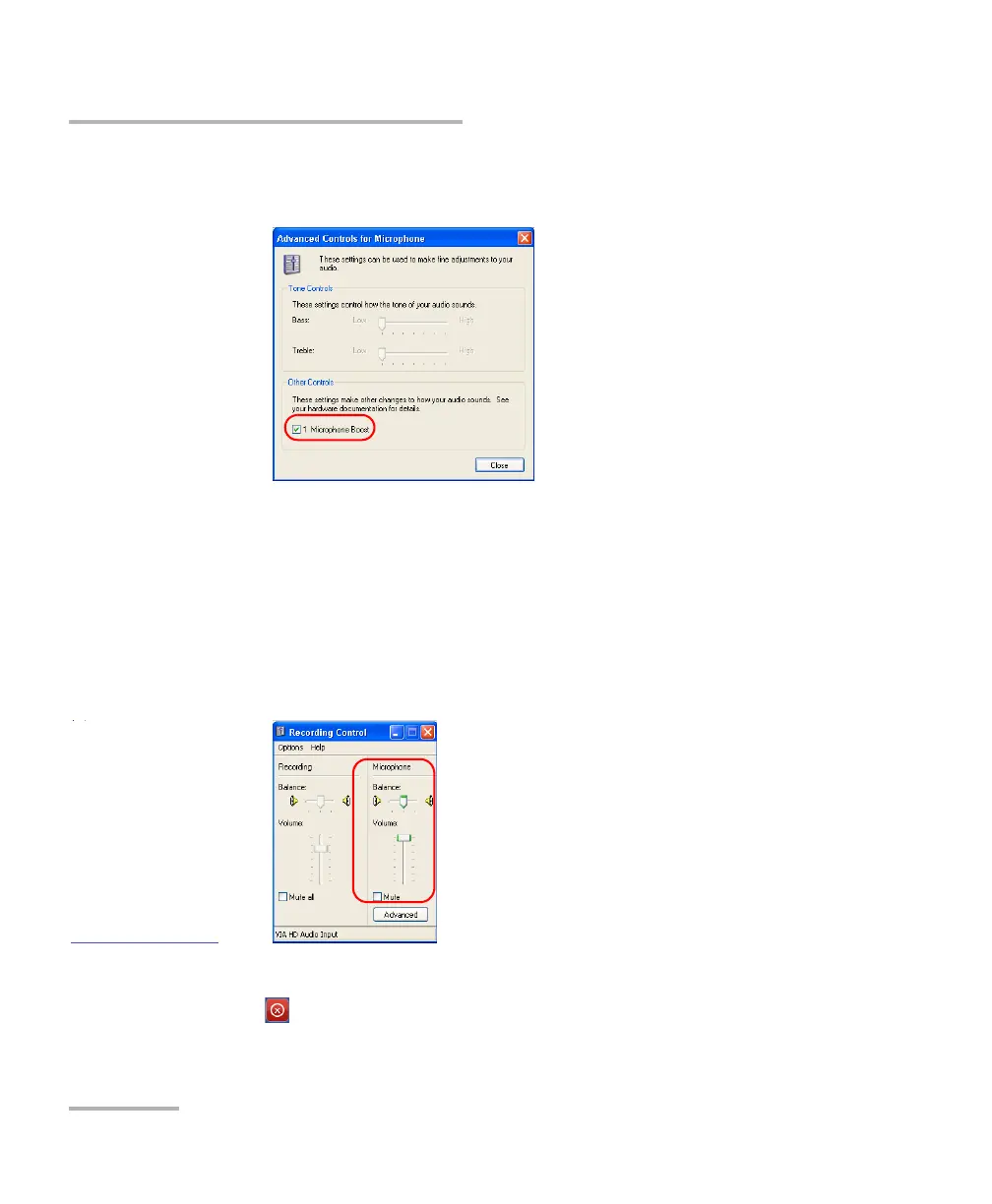
6c. Under Other Controls, select the 1 Microphone Boost check
box.
6d. Tap Close.
Note: Normally, you only have to select this option the first time that you adjust
the microphone volume. Once it is done, you can control the volume with
the slider as explained at the next step.
7. Under Microphone, use the slider to adjust the sound of your
microphone. Close the window when your settings are complete.
8. Tap OK to return to the Display & Sound window.
9. Tap to return to the MAX-700 software window.



 To Next Page