Setting Up Your Unit
MAX-700 201
Adjusting Microphone and Headphones Volume
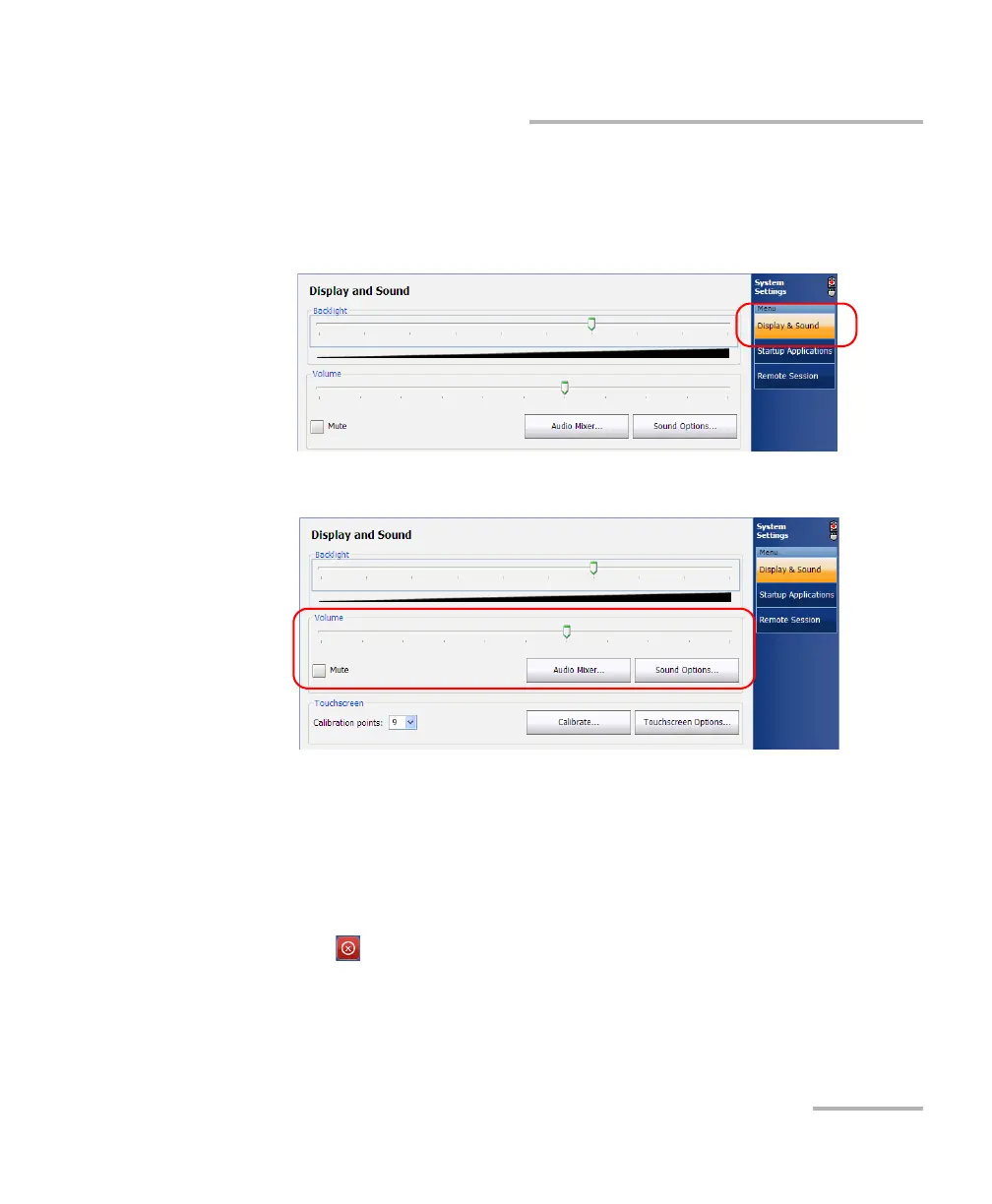
To adjust the headphones volume:
1. From the Main Menu, tap System Settings.
2. If necessary, from System Settings, tap Display & Sound.
3. Under Volume, use the slider to adjust the sound of your speaker.
Note: You can also select the Mute check box if you want to quickly turn off the
sound.
Note: Yo u ca n tap the Audio Mixer button if you want to refine the volume
according to the source of the sound (Master Volume and Wave controls).
4. Tap to return to the MAX-700 software window.



 To Next Page