Analyzing Traces and Events
MAX-700 151
Changing the Attenuation of Fiber Sections
3. Position markers as desired to modify the attenuation value. For more
information on positioning markers, see Using Markers on page 169.
Note: The markers serve only to set the new attenuation value. Their actual
locations will not be modified.
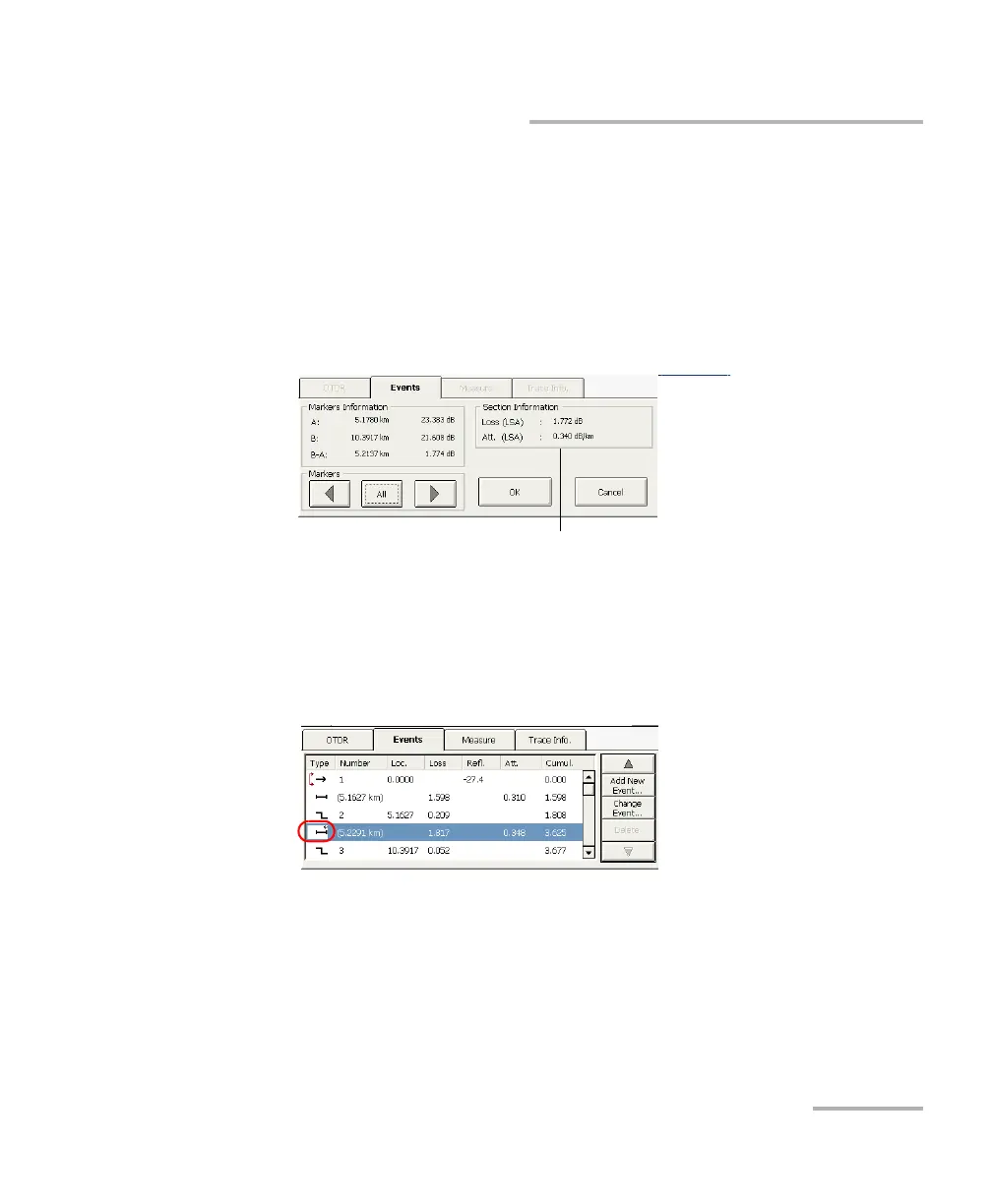
Fiber section loss and attenuation are displayed respectively in the
Loss (LSA) and Att. (LSA) boxes.
4. Press OK to accept the modifications you have made or Cancel to
return to the events table without saving the changes.
The modified fiber sections are identified with “*” in the events table
as shown below.
Loss and attenuation
values



 To Next Page