Testing Fibers in Fault Finder Mode
MAX-700 85
Enabling or Disabling the Confirmation of Fault Finder File Name
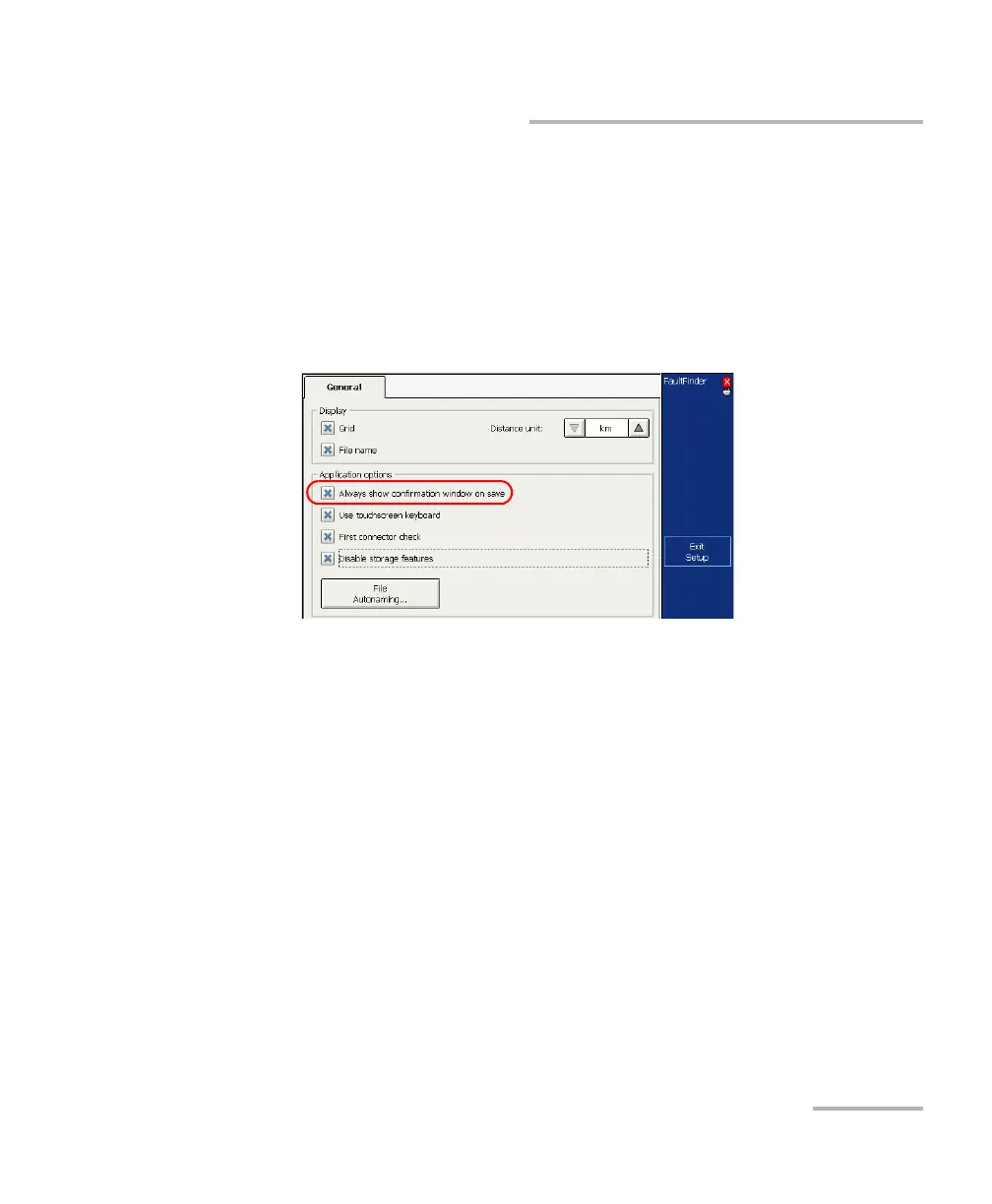
To enable or disable file name confirmation:
1. From the button bar, press Setup, then go to the General tab.
2. If you want to confirm file name each time you press Quick Save,
select the Always show confirmation window on save check box.
OR
If you never want to be prompted, clear the check box.
Note: You can also disable the confirmation of the file name by clearing the
Always show this window on save check box directly from the Save File
dialog box.
3. Press Exit Setup to return to the main window. The changes are
applied automatically.



 To Next Page