Testing Fibers in Fault Finder Mode
MAX-700 93
Selecting the Distance Units
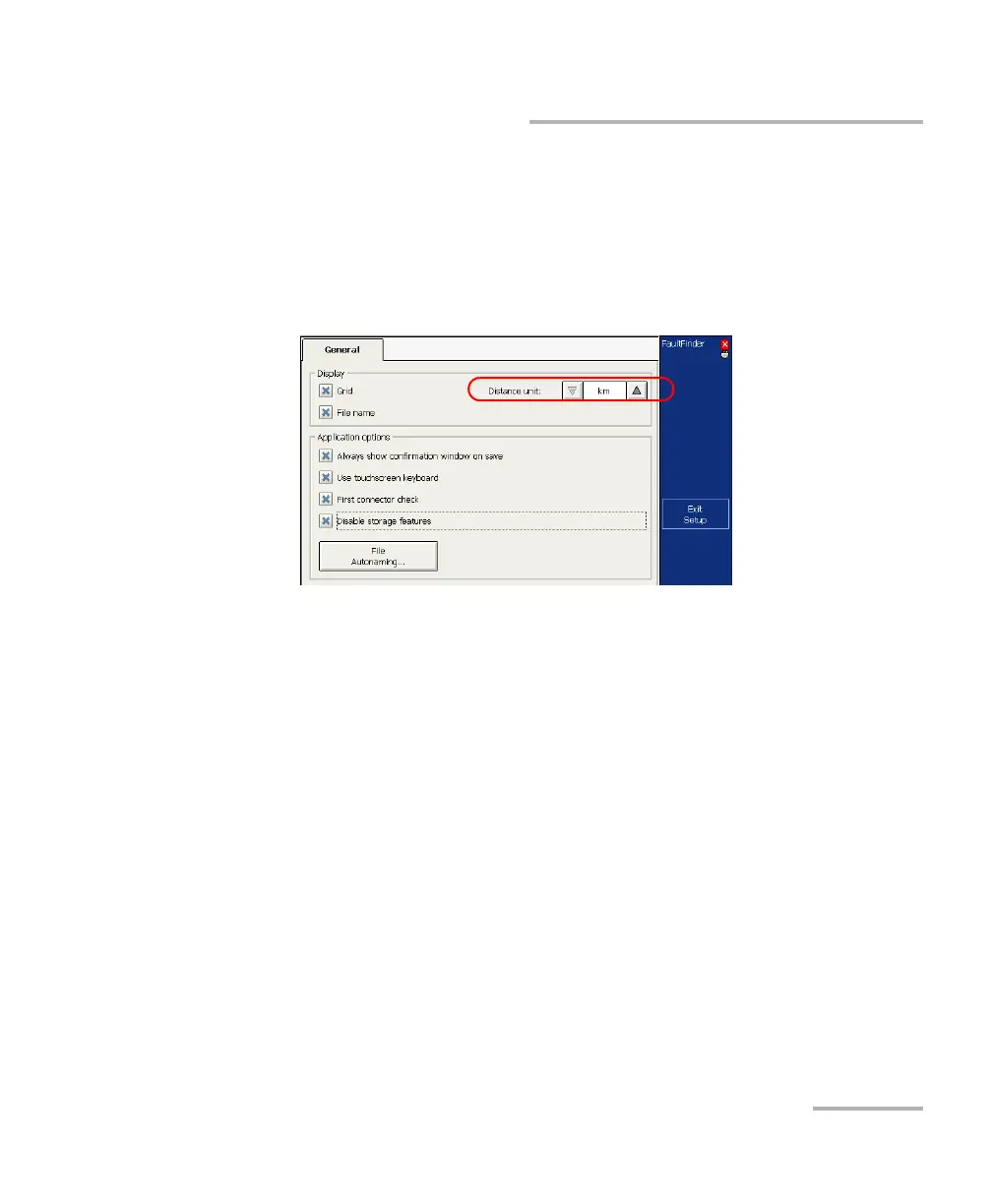
To select the distance units for your display:
1. From the button bar, select Setup.
2. From the Setup window, select the General tab.
3. From the Distance units list, select the item corresponding to the
desired units.
4. Press Exit Setup.
You return to the main window and the newly selected measurement
unit appears everywhere these units are used.



 To Next Page