Customizing the OTDR Application
96 MAX-700
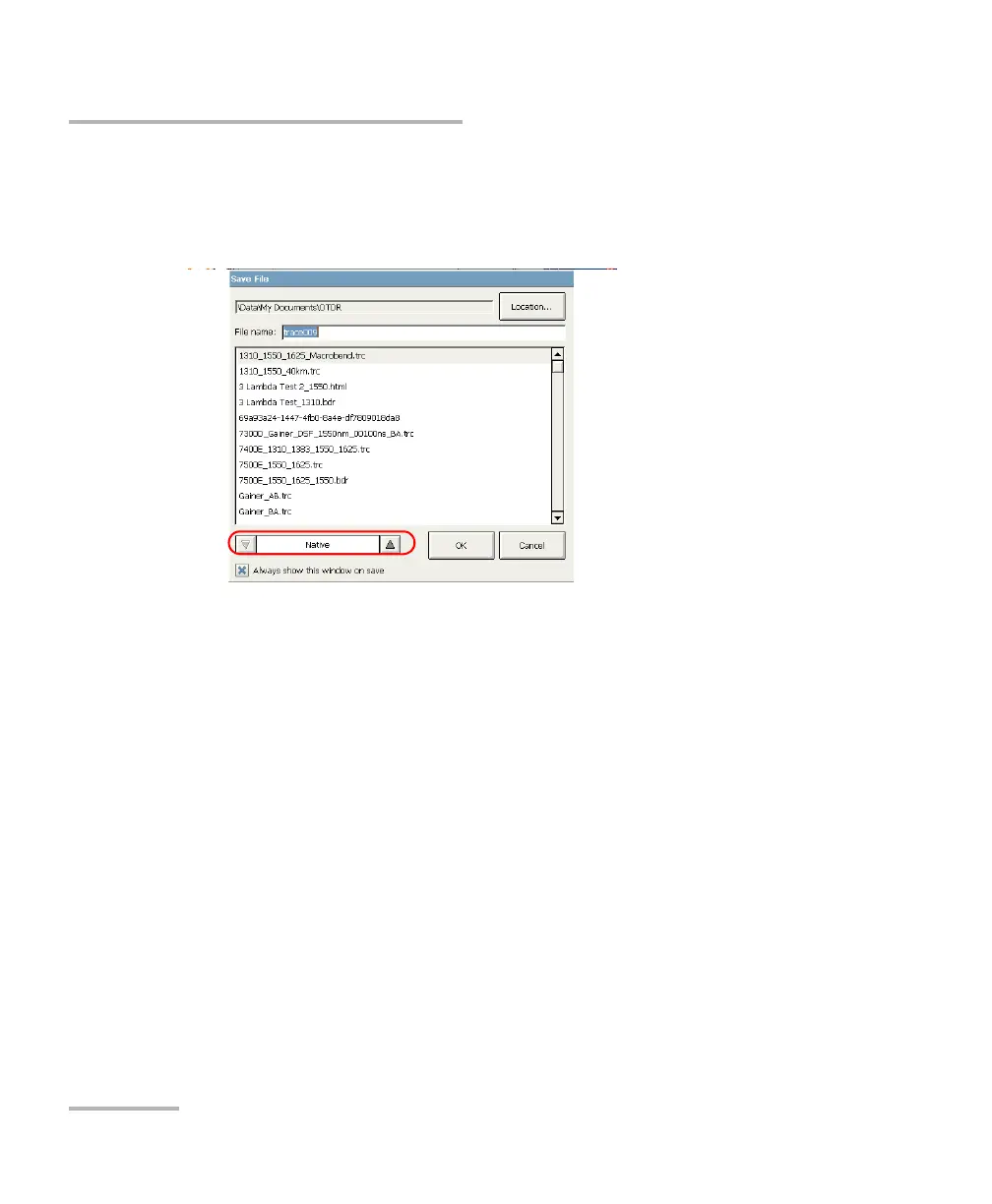
Selecting the Default File Format
To select the default file format:
1. From the Main Menu window, press Quick Save.
2. From the Save File dialog box, select the desired format.
3. Press OK to save your file in the new format.
The next files will be saved in the new format.



 To Next Page