Customizing the OTDR Application
104 MAX-700
Customizing the Acquisition Time Values
To customize the acquisition time values:
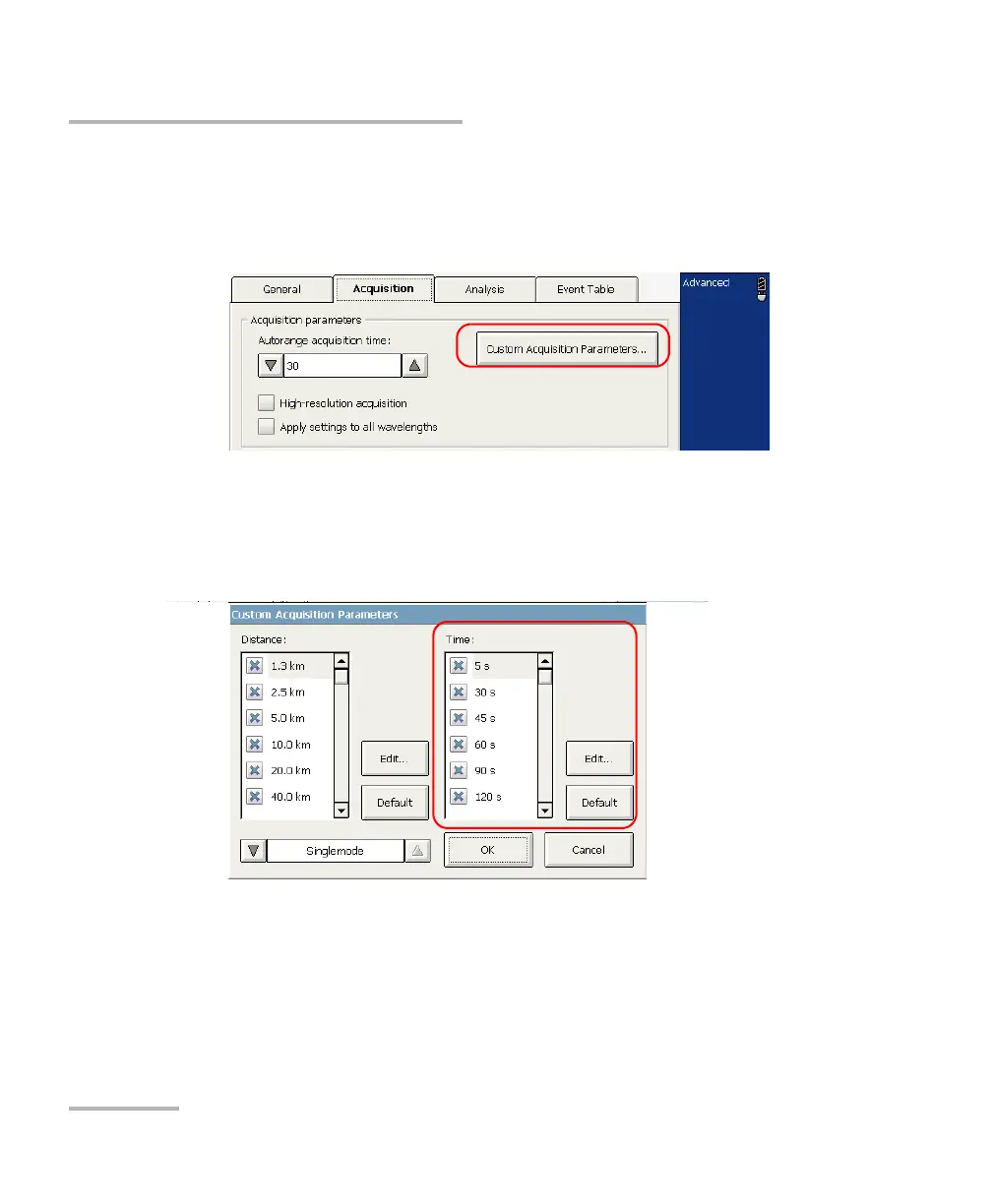
1. From the button bar, select OTDR Setup, then the Acquisition tab.
2. Press the Custom Acquisition Parameters button.
3. From the Time list, select the value you want to modify (the value will
become highlighted), then press the Edit button.
Note: You can revert to factory values by pressing the Default button.
4. In the displayed dialog box, enter the new value and confirm with OK.



 To Next Page