Analyzing Traces and Events
MAX-700 115
Events Tab
The events table lists all the events detected on the fiber. An event can be
defined as the point at which change in the transmission properties of light
can be measured. Events can consist of losses due to transmission, splices,
connectors or breaks. If the event is not within the established thresholds,
its status will be set to “fail”.
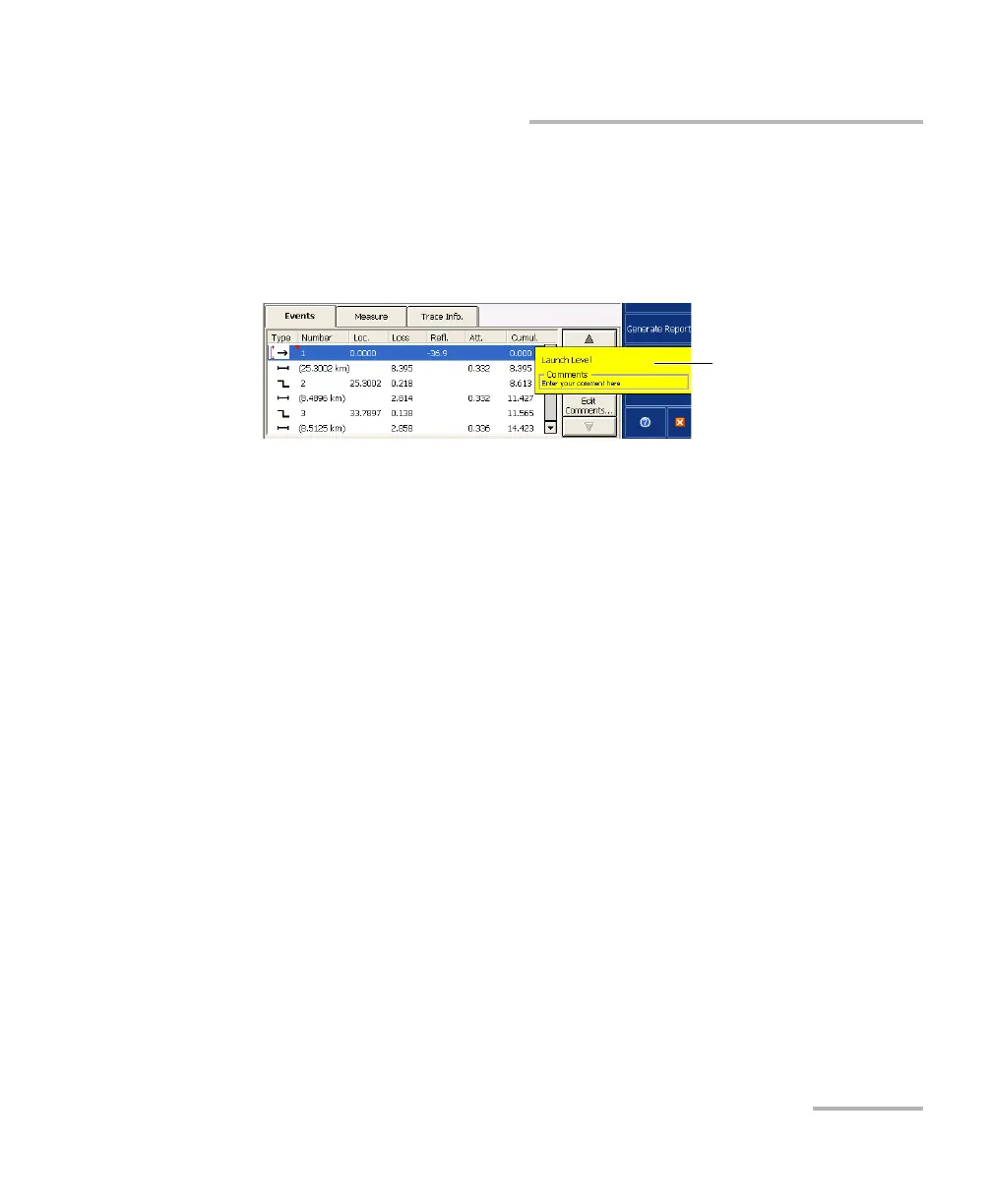
A red triangle appears next to the event number to indicate that a comment
has been inserted manually for a specific event.
If you press and hold the row corresponding to a specific event or fiber
section for a few seconds, the application will display a tooltip identifying
the item (for example, Non-reflective fault). In the case of a merged event,
you will also see details about the “sub-events”.
The tooltip displays any comment that you have inserted manually.
If an asterisk appears next to the event symbol, the tooltip will also show
“(*:Modified)” to indicate that this event has been modified manually.
If the asterisk appears next to the event number, “(*:Added)” will appear to
indicate that this event has been inserted manually.
Tooltip identifying the
selected item



 To Next Page