Analyzing Traces and Events
120 MAX-700
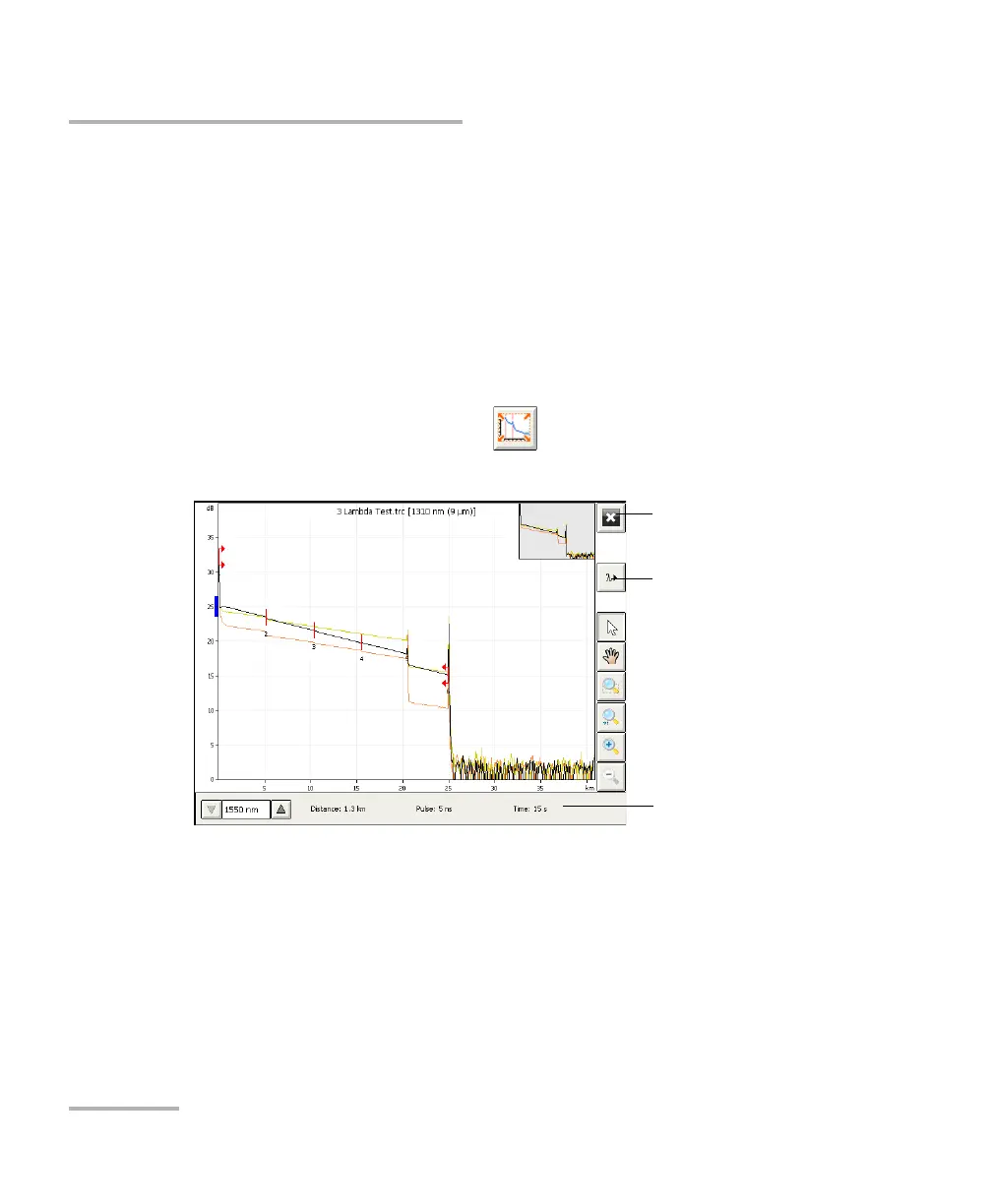
Displaying the Graph in Full Screen
If you want to view a table of events once the acquisitions are complete,
you must select the Events tab or activate the option to display the event
table (from OTDR Setup) before switching to full-screen mode.
Once all acquisitions are complete, the application will automatically
switch to the defined default view (see Selecting the Default View on
page 121). If you prefer that the graph remains in full screen after the
acquisitions are complete, ensure that the default view is set to Graph in
OTDR Setup.
To display the graph in full screen:
From the main window, press the button.
The graph is now displayed in full-screen mode.
To return to
normal view
To s w i t c h to a n o t he r
wavelength
Acquisition parameters
for the next acquisition



 To Next Page