Analyzing Traces and Events
MAX-700 133
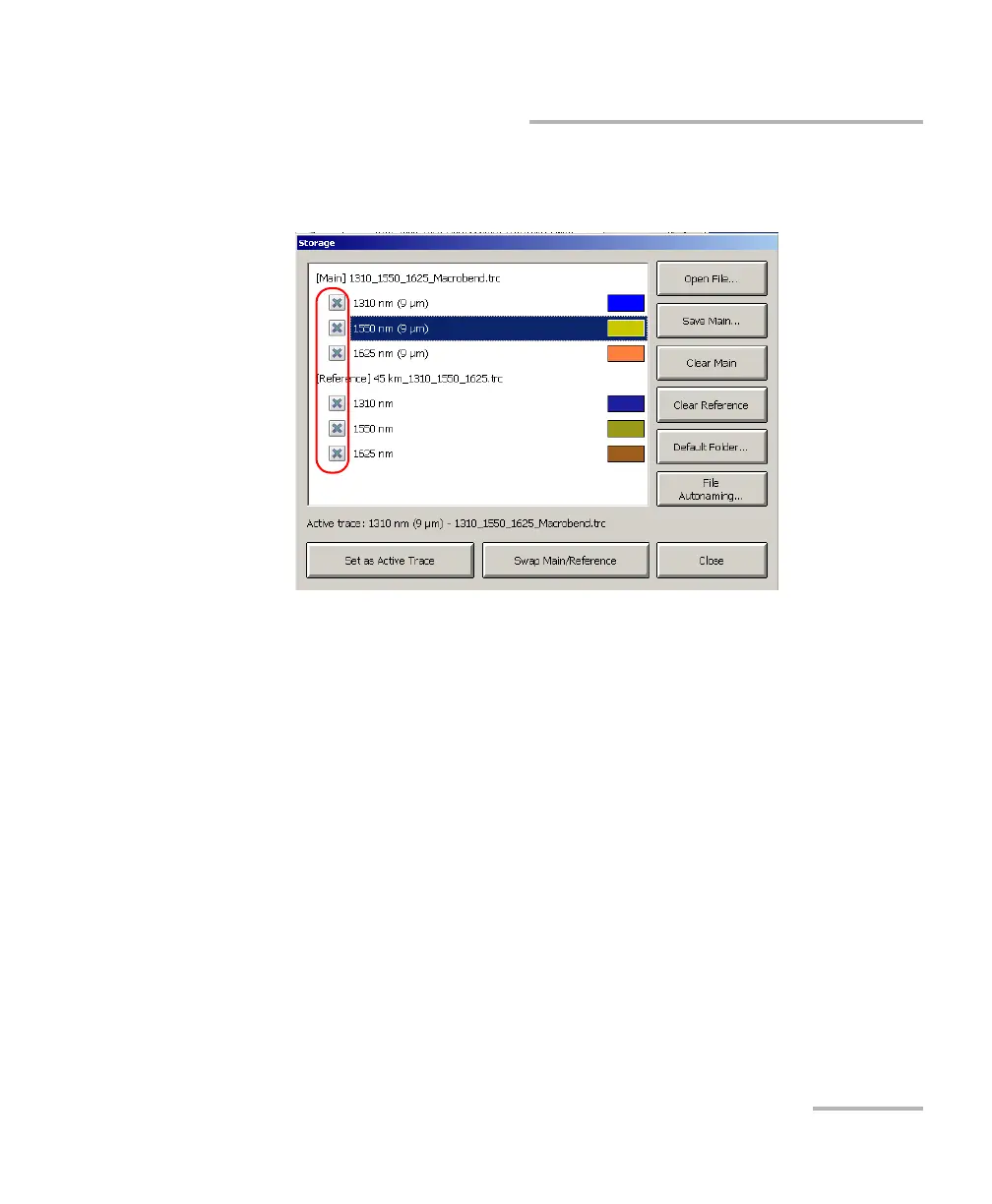
Displaying or Hiding a Trace
To specify which traces to display or hide:
1. From the button bar, press Storage.
2. Select the boxes corresponding to the traces to display.
OR
Clear the boxes to hide them.
Note: A hidden trace cannot be displayed with the navigation button. In
multiwavelength trace files, you can show or hide traces independently.
3. From the list of traces, select the row corresponding to the trace you
want to set as the current trace (the row will become highlighted) and
press the Set as Active Trace button.
The trace will turn black in the display to indicate that it was selected.



 To Next Page