Analyzing Traces and Events
138 MAX-700
Viewing and Modifying Current Trace Settings
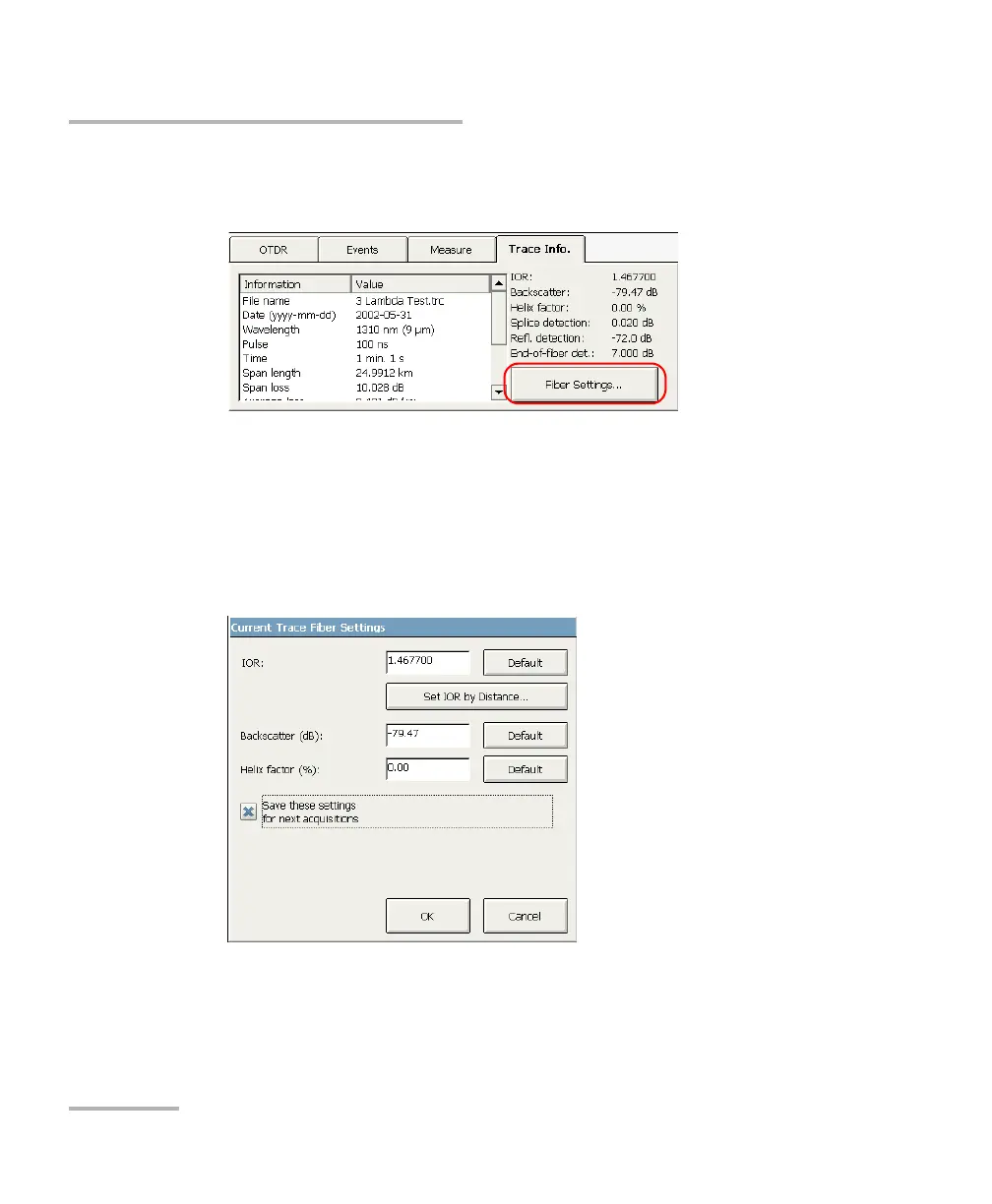
To modify the IOR, RBS coefficient, and helix factor parameters:
1. From the main window, go to the Trace Info. tab.
2. Press the Fiber Settings button.
3. Enter the desired values for the current trace in the appropriate boxes.
OR
If you want to revert a particular item to its default value, press the
Default button appearing next to this item.
Note: Except for the fiber type, modifications you make will only be applied to the
current trace (that is, to a particular wavelength), not to all traces.



 To Next Page