Analyzing Traces and Events
MAX-700 141
Modifying Events
To modify an event:
1. Select the event you want to modify.
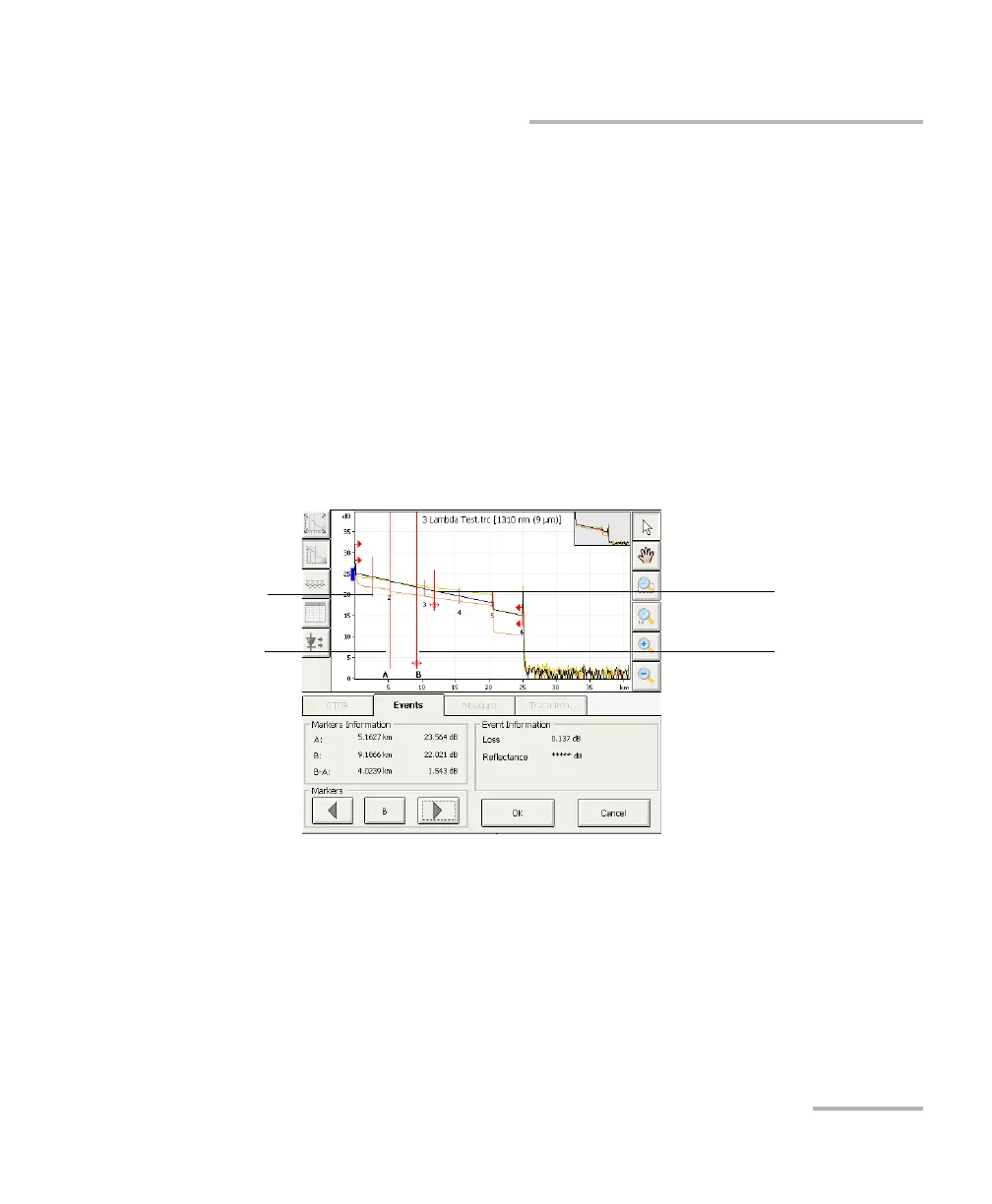
2. Press the Change Event button.
Markers a, A, B, and b appear on the graph. With these markers, you
can define a new location for the selected event.
You can reposition all markers directly by dragging them, or by pressing
where you want to relocate them on the graph. Selecting marker A or B
will move the a-A or B-b pair.
Note: The current marker locations are set, during the analysis, to calculate and
display the original event loss and reflectance.
Marker a
Marker A
Marker B
Marker b



 To Next Page