Analyzing Traces and Events
MAX-700 143
Modifying Events
5. If you selected a reflective event, you can modify the echo status using
the up/down arrows of the Echo status list.
Note: Select “- - -” if you want to indicate that the event is not an echo.
6. Press OK to accept the modifications you have made or Cancel to
return to the events table without saving the changes.
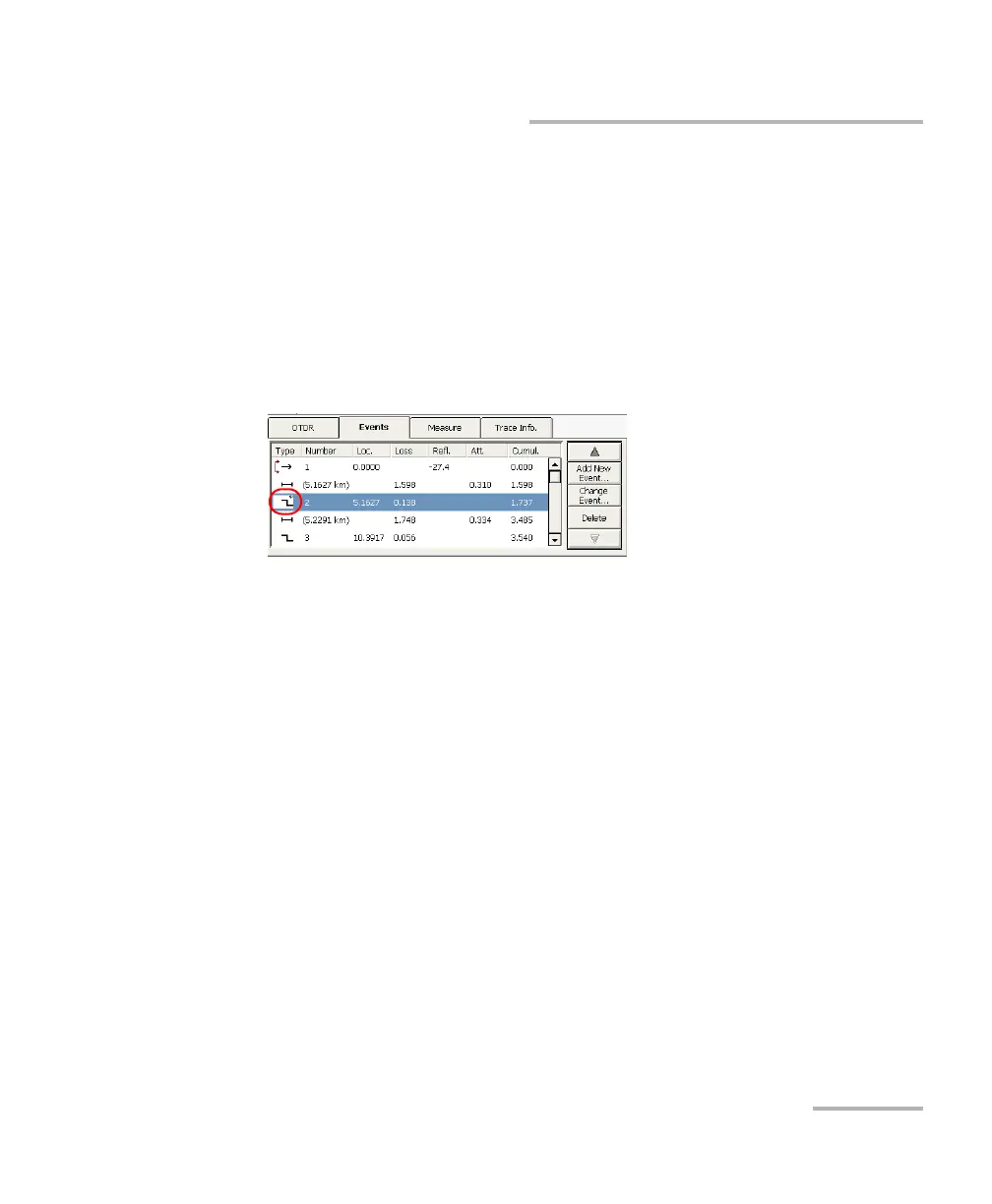
The modified events are identified with “*” (appearing beside the event
symbol) in the events table as shown below.



 To Next Page