Analyzing Traces and Events
MAX-700 145
Inserting Events
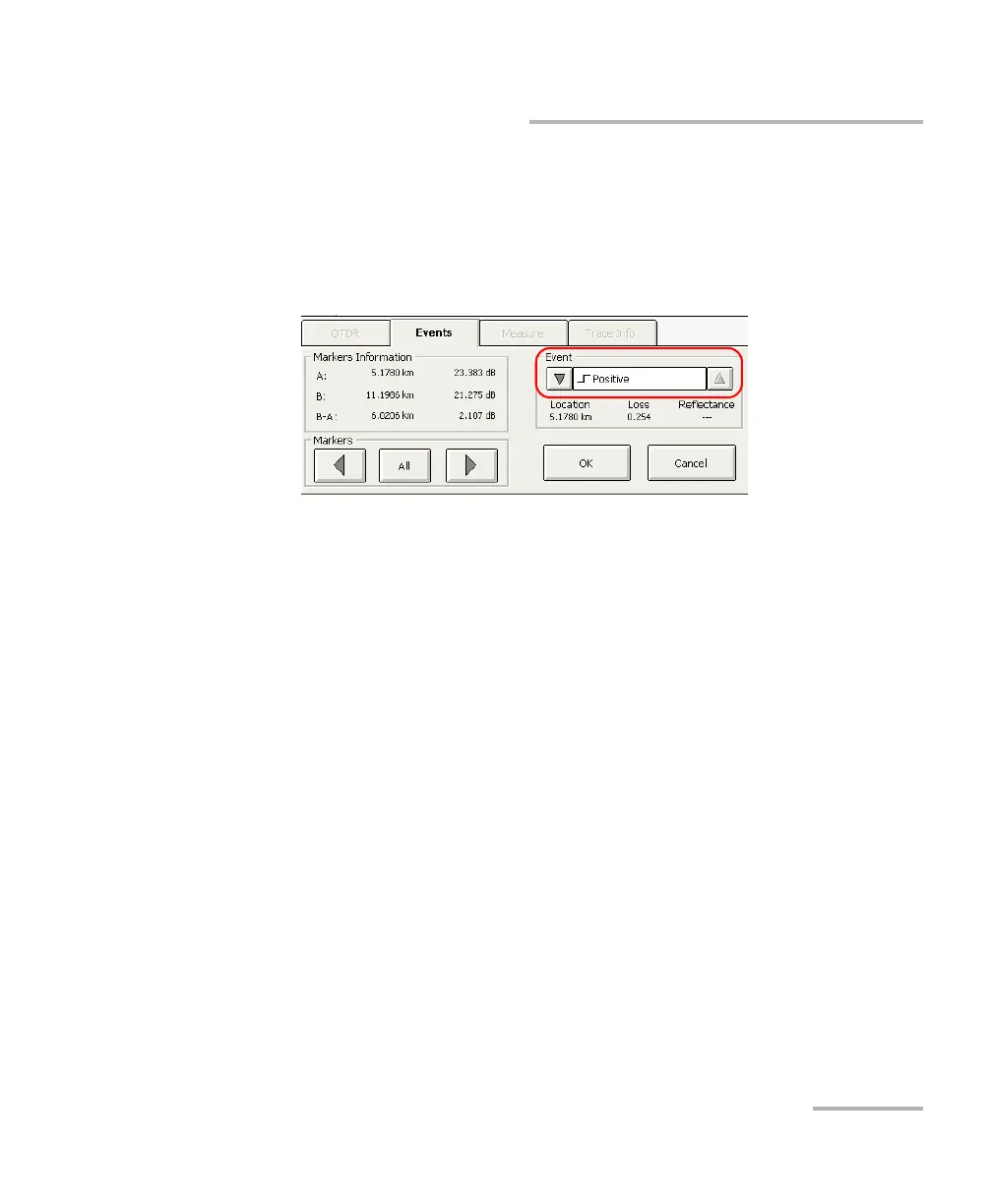
Four markers are available to measure the inserted event, but only
marker A identifies where the event will be inserted. Use the marker
arrows to move marker A on the trace display.
3. Once you have determined the location, under Event, use the
up/down arrows next to the box to select the desired event type.
4. Press OK to insert the event or Cancel to return to the events table
without making any changes.
Inserted events are marked with asterisks (appearing beside the event
number).



 To Next Page